
Exciting new features in the Wixie 2024 summer update
Here is a peek at just a few of the new features new to Wixie.
Read the rest of the post for more details!
Path animation
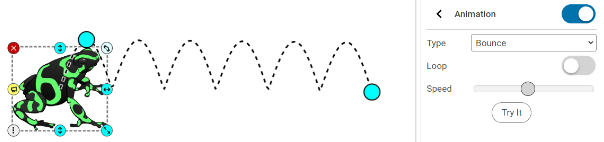
Objects in Wixie can now be animated along a path. This includes text objects, images, talkies, and even videos!
Users simply select the object they want to move, turn on Animation, choose a path style, and select the options to get the object moving just the way they want!
Family Communication
Teachers can easily share student work with parents by sharing individual student projects, all of the projects for an assignment to the student's family members, or one of their own projects to all of the family members of students in a class.
Invite parents to connect to students individually, or import parents through your account rostering system.
Video library
You can already record video, upload your own videos, and embed a video from YouTube, and now this update includes an integrated video library of short, cross-curricular movies students can add to enhance their projects.
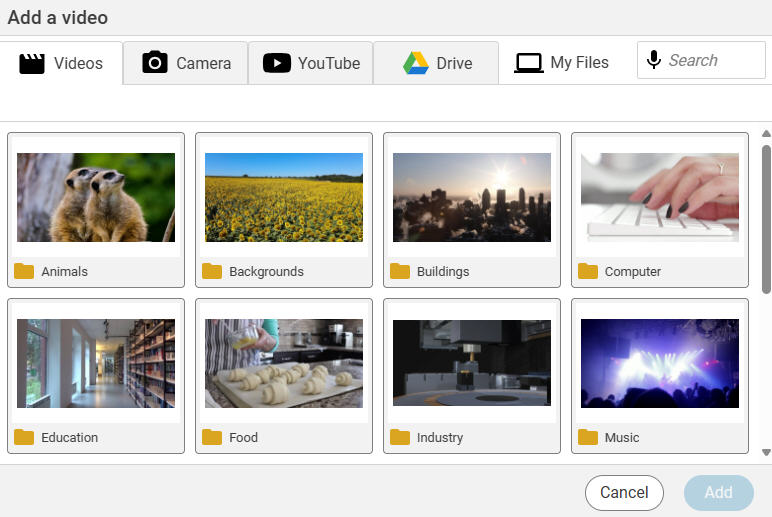
All videos are reviewed by our staff, so not only are they safe and vetted, they are relevant for student work and categorized for common classroom projects.
Special characters
When users are typing in a text box, there is now a button that links them to an integrated dialog of special characters.
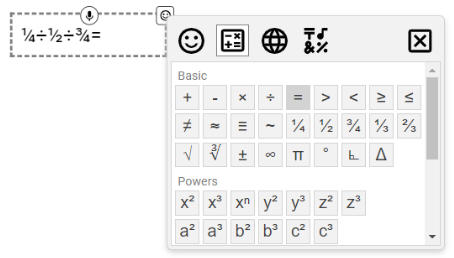
Students can use this dialog to add emojis and hard to type math symbols like common fractions, square roots, and exponents. Students in world language classrooms can easily add common accented characters without the need to change the keyboard.
Project Wizard - Print QR codes
The Project Wizard makes it easy to collect and combine work from multiple students. Use the new Print QR Code option to create a series of pages that include the student's name, a picture of the project, and QR code to view it.
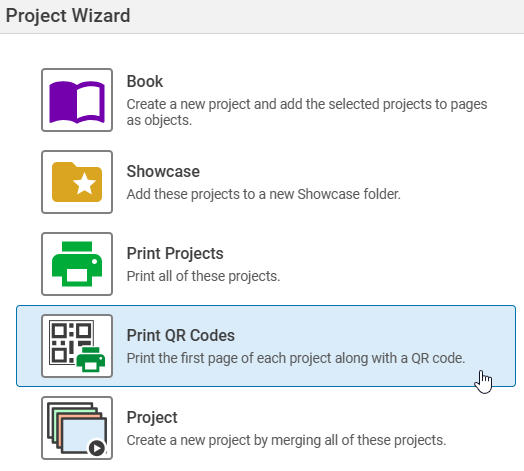
These sheets are perfect for hanging up in the classroom to share student work on back-to-school night, or sharing information for a project such as a student-created museum or nature trail.
Learning Center
The new Learning Center collects everything teachers need to get started with Wixie and continue to use it successfully with students.
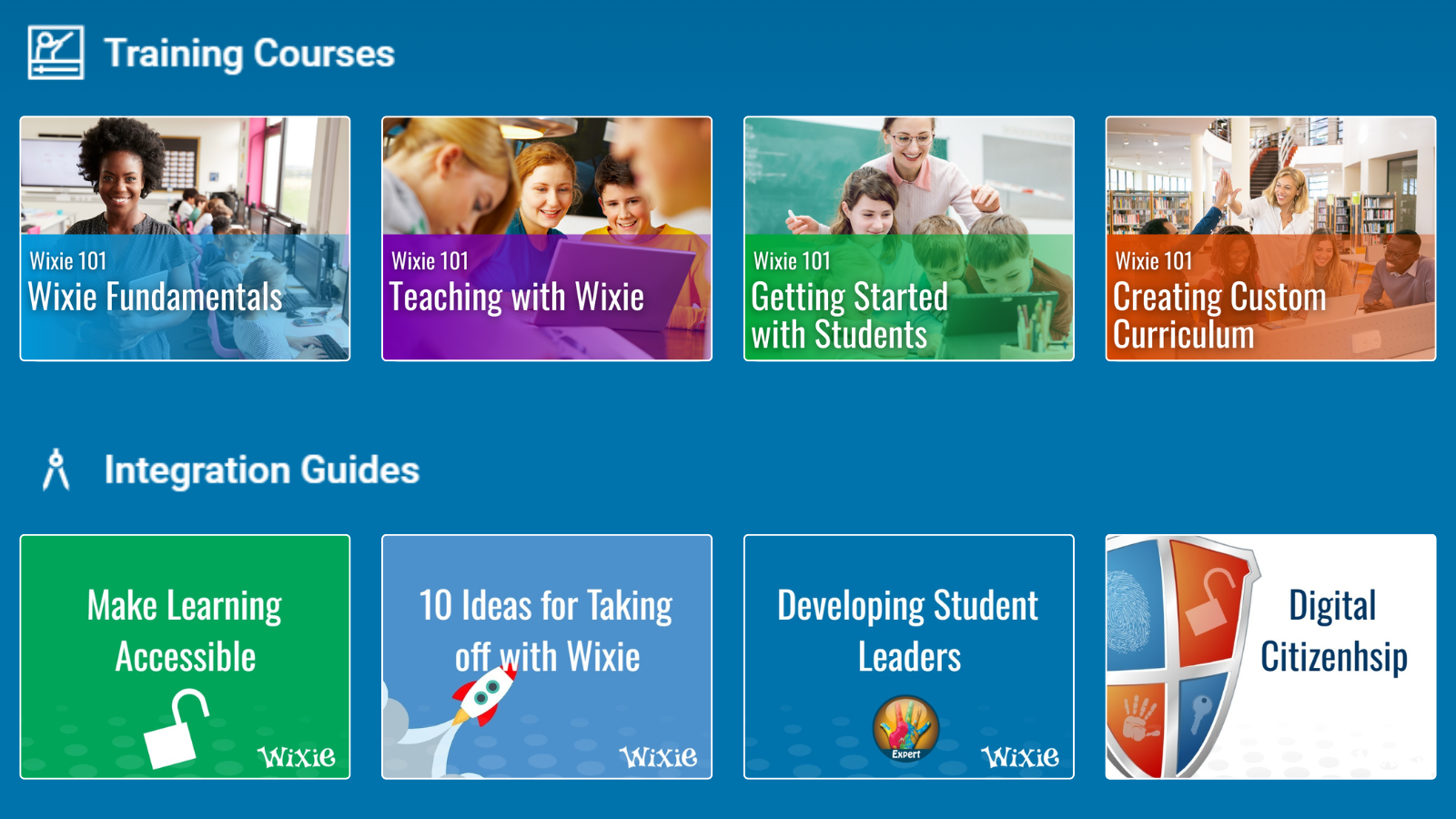
From training materials, to lesson plans, to essential update information, and curriculum guides, the Learning Center is designed to help teachers make the most of your Wixie subscription.
So much more
The update contains many more subtle changes and features to make Wixie even easier to use and integrate.
Users can always find the search bar and Learning Center in the blue bar at the top and the buttons on the left have been simplified and grouped to make it easier to find assignments and view student work.

We've made it easier to nickname classes, share them, and for those computer teachers out there, assign a project to an entire grade!
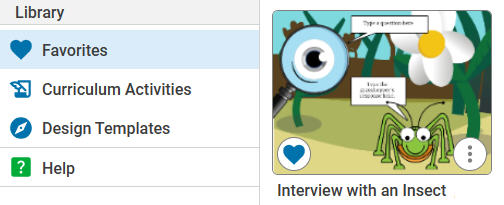
We have added hundreds of new Curriculum Activities and Design Templates you can assign or customize to meet your learners needs. And now, you can favorite a template or activity you like to make it easy to find again and use with students!
We can't wait to see what you and your students create in the new update!
 Effective Integration
 Instructional Design
 Learning Strategies
 Literacy
 Month-by-Month
 Product Ideas
 STEM/STEAM
 Share and Showcase
 Updates
 User Management