
You can mark the activities and templates in the libraries as favorites to make them easier to locate in the future.
When you are browsing or searching the Design Templates or Curriculum Activities libraries and find a file you want to use with students, select the heart icon in the lower right corner.
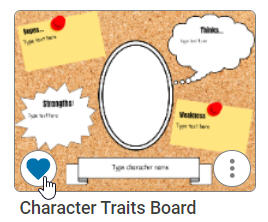

This will add it to your Favorites folder.
To return to your favorites, select the Favorites button in the library.
You can also remove a favorite from this location by selecting the Remove from Favorites (heart with a negative) icon when this file is located in your Favorites folder.