
You can use the Character Panel to add symbols to a text object, such as emojis, accented characters, math symbols, and more.
After you have added a text object to a page, double-click inside the box to add a character.
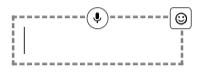
Click the character button (face) in the upper right corner of the box.
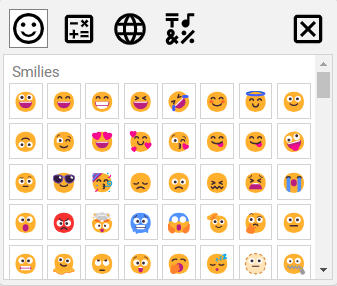
You will see the Character Panel.
Select the Emojis button to add an emoji.
Click an emoji to add it to the text object.