You can add a video from the Wixie video library.
The Wixie video library contains over a thousand short videos you can add to a project.

You will see the video dialog already open to the library of Videos.
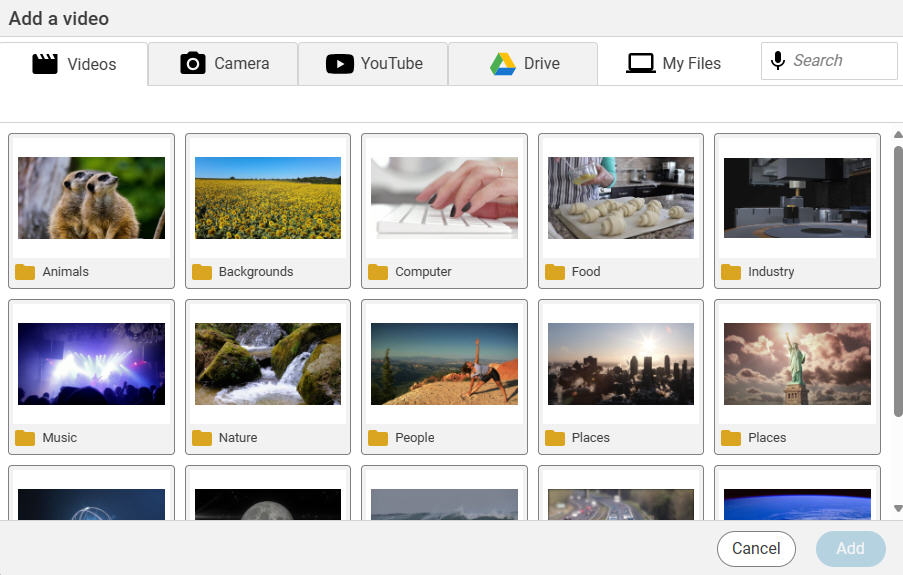
Browse the folders or use the search field to find and select the video you want to use.
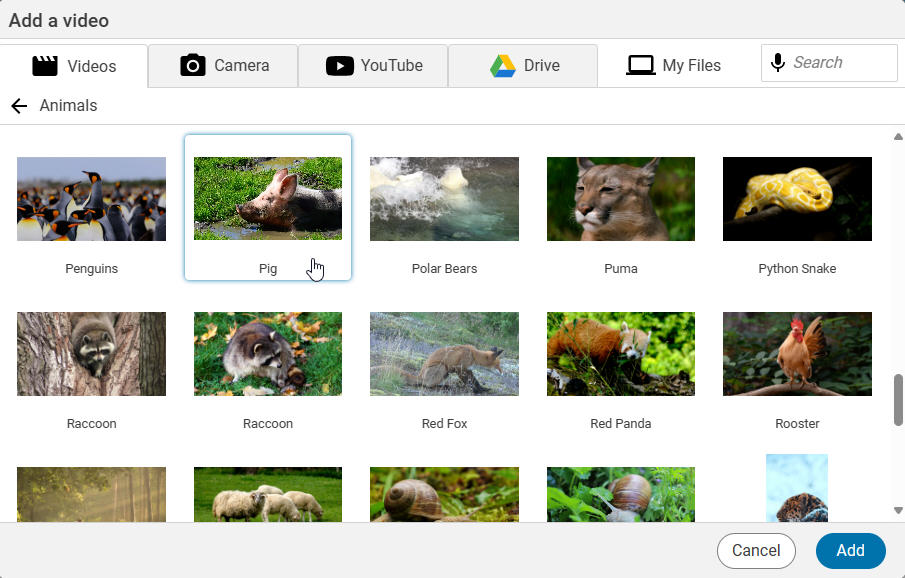
Click the Add button.
The video will be added to the page.
To preview the video while you are editing, select the video and click the Play button the options panel.

The video will also have a play button on it when you click the Show button to present your project.
If you want the video to play automatically when you present, turn the Auto play slider to the on position.