
You can add a path animation to images, text objects, talkies, and even videos.
Select the object you want to animate.

Click the Try It button to watch the object animate along the path.
Drag the Speed slider to adjust how fast the object moves along the path.
Drag the Animate switch to the on position.
You will see the object move a small amount.
Use the more (right) arrow next to the switch to adjust the path shape and speed.
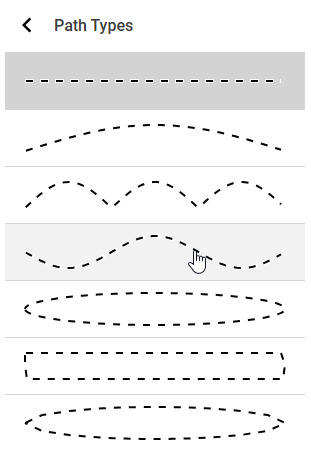
Use the Type menu to choose the type of path.
Click the back arrow to return to the options.
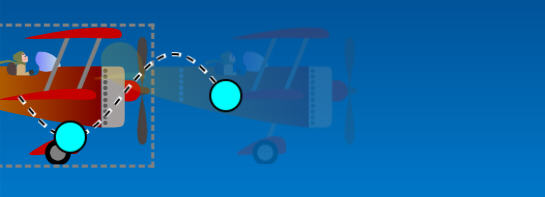
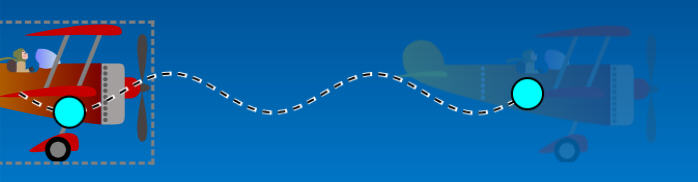
You will see blue handles on the animation path.
Use the blue handles to adjust the shape and length of the path.
Drag the Delay slider to adjust when the animation starts after arriving at the page.
Use the Repeat pull down menu to choose if you want the animation to loop or repeat after it starts.