
7 ideas for blank-screen projects in the primary grades
"I love the sweet, expectant nothingness of an empty page."
- Peter H. Reynolds
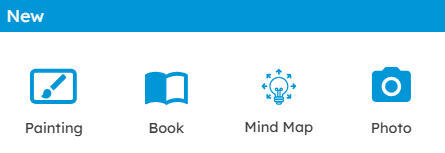
To use a blank canvas in Wixie, have students click the Painting option on the project prompts to create a new blank project.
Students can use the tools to paint their own illustrations and use the Text and Image buttons on the toolbar to add information and share ideas!

Here are seven ideas for Wixie projects that will get your learners comfortable starting to create from a blank canvas.
1. Create a scientific diagram
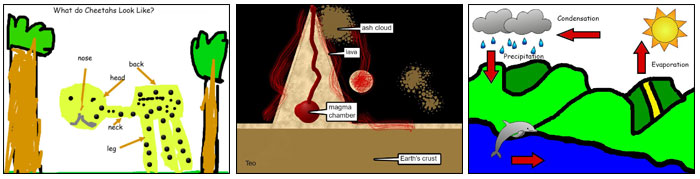
Constructing their own models and diagrams requires higher-order thinking skills and helps students organize and better comprehend information. This type of performance task also helps you evaluate student understanding.
Even young learners can easily create and label their own illustrations that show vocabulary and science processes.
2. Paint with Shapes
Common Core State Standards for Kindergarten state that students “model shapes in the world by … drawing shapes (K.G.B.5) and compose simple shapes to form larger shapes (K.G.B.6).”
Young learners enjoy using the freehand paint tools. Once they have mastered these tools, challenge them to draw a picture using only the Shape tool and its options!
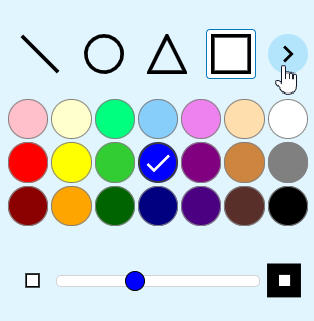
To give students a bit of direction, ask them to paint shapes to create a picture of a house or even a favorite activity.
3. Recall an event
Field trips are often some of the most memorable events of the school year and offer a great opportunity for students to “recall information from experiences.” (W.K.8)
When back in the classroom, have students recall the experience using the paint tools to paint a picture and then add text and/or voice narration. Inspire their work with a question like:
- What was your favorite part of the field trip?
- What will you always remember about this field trip?
4. Respond to literature
A blank-page project is also great for students to respond to literature and informational text. Young students can use the Paint tools to draw a scene and click the Record button on the Options panel to retell key ideas and details (Common Core State Standards for Reading Literature and Reading Informational Text K.2 and 1.2). As they emerge as readers and writers, they can use the Text tool to share their opinions about events in the story or even write letters to the characters.
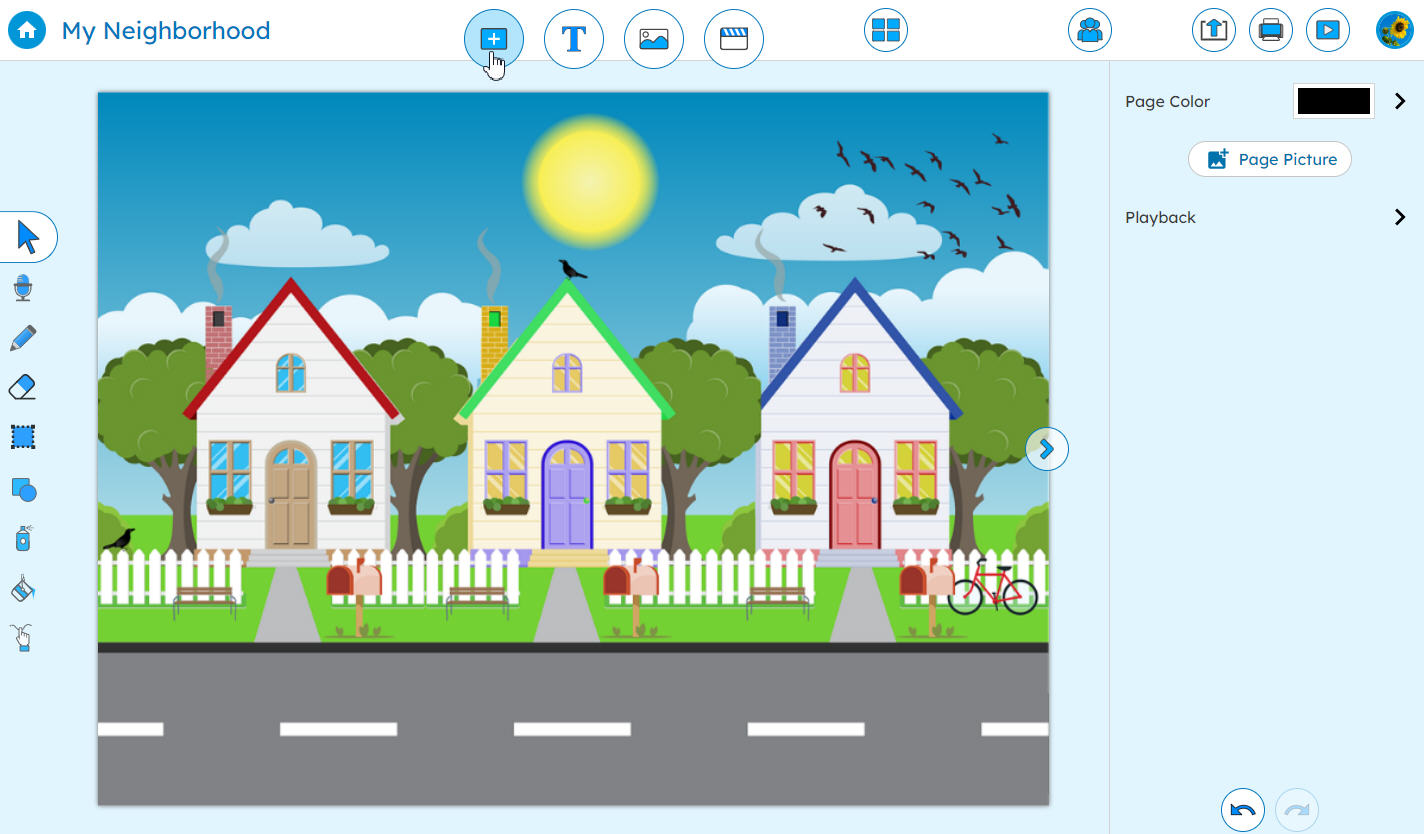
As students develop their writing and Wixie skills, their blank-screen projects can develop into multiple-page writing projects. Students click the Page button on the toolbar to add additional blank pages to their projects. They can use the navigation buttons to move between pages as they work.
5. Write and illustrate an original story
The Common Core State Standards look for Kindergarten learners to engage in narrative writing that uses "a combination of drawing, dictating, and writing to narrate a single event." As they move through second grade, they are expected to progress to writing that narrates "a well-elaborated event or short sequence of events, includ[ing] details to describe actions, thoughts, and feelings, use temporal words..."
No matter their level, it is easy for your emerging writers to illustrate, write, and narrate an original story.
6. Create informational digital books
Young students are also capable of writing valuable informational texts too! As your emerging readers begin research using informational texts, ask them to create their own digital books to share what they have learned.
Creating informational digital books also helps students better recognize and use the features of non-fiction like headings, images, and a table of contents. Asking students to create a book someone else will use motivates them to write and edit more. If you have them edit carefully, you can even use the resulting work as leveled informational texts for other students to use, too! You can make this digital text easily available by posting a QR code to the project URL in your classroom or media center.
Read more in Creating Books with Wixie.
7. Write a how-to tutorial
When students want to learn a new skill, they will likely head online to watch a video tutorial. Many of these are even created by kids for kids. Encourage your students' informational writing skills by asking them to create their own step-by-step how-to tutorial.
Since Wixie works online, student work is published instantly. Simply share student work by sharing the project URL in an email, a social media post, or by embedding the project on your classroom web page.
Get a complete Writing How-to Informational Texts lesson plan.
Build creative capacity with a blank screen
There are lots of ways to incorporate blank canvas projects into your curriculum. As students first encounter that blank page, you may need to encourage a few of them to get started, but as they get older, they will see that blank page as not an obstacle, but an opportunity to showcase their ideas and share their passions with the world.