
You can add stickers to a page.
Click the Image button on the toolbar.

You will see the Choose an image dialog.
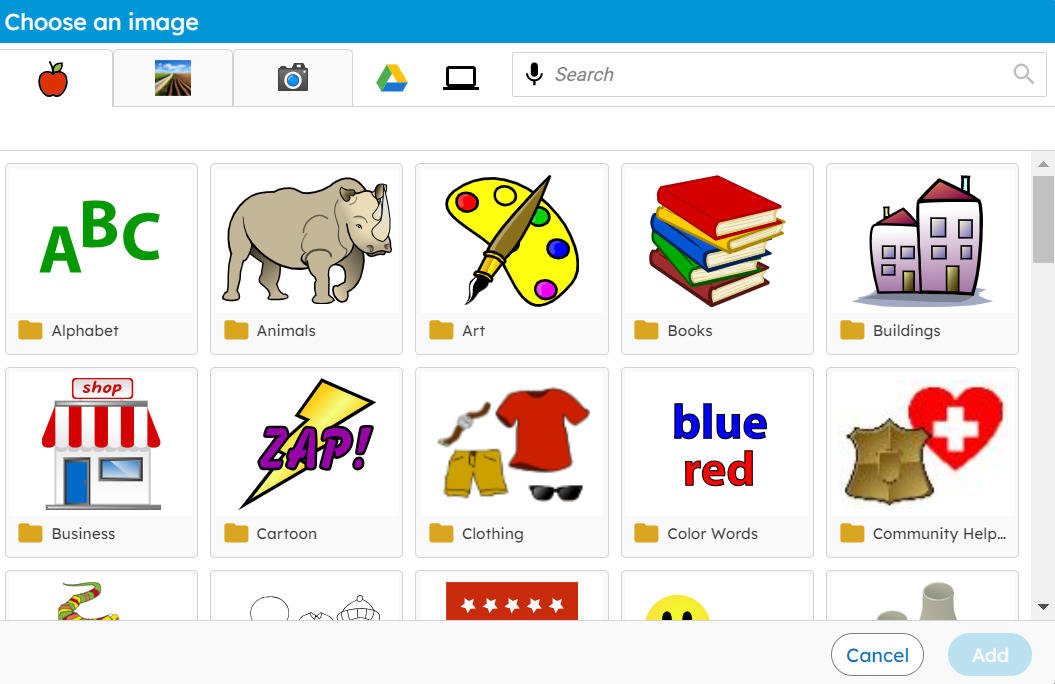
Use the scrollbar to see all of the folders.
Click a folder to open it.
You will see stickers or more folders.
Click a folder to open it.
You will see all of the stickers.
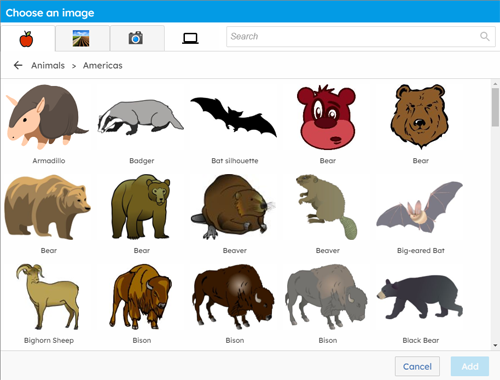
Use the scrollbar to see all of the stickers.
Click a sticker.
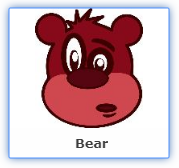
The sticker will be added to the page.
You will see the Choose an image dialog.
Use the scrollbar to see all of the folders.
Click a folder to open it.
You will see stickers or more folders.
Click a folder to open it.
You will see all of the stickers.
Use the scrollbar to see all of the stickers.
Click a sticker.
The sticker will be added to the page.