
You can create a QR code that anyone can scan to view your Wixie project.
Open the project you want to share.
Click the File menu and choose Share.
You will see the Share dialog.
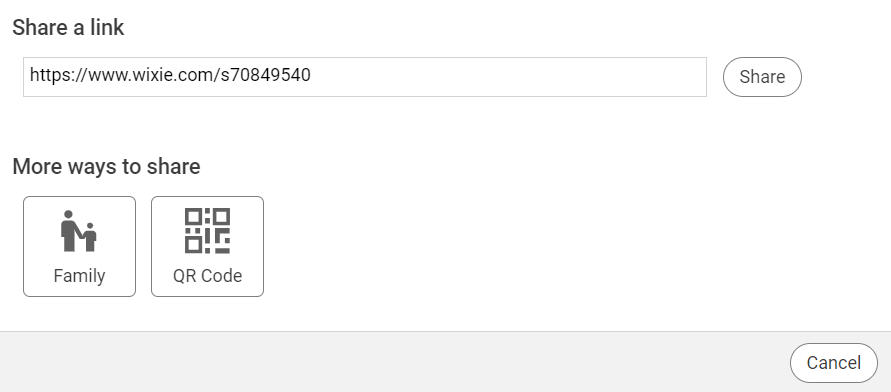
You will see the Share dialog.
Click the QR Code button.
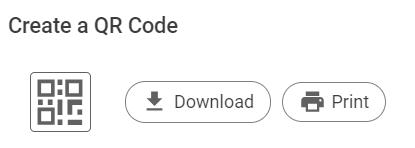
Select Download to create a QR code image file on your computer that you can use in other programs.
Select Print to print a paper copy of the QR code for others to use immediately.
Viewers do not need a Wixie account to view the project. They simply point their device's camera at the image to open up your project in the Wixie player.