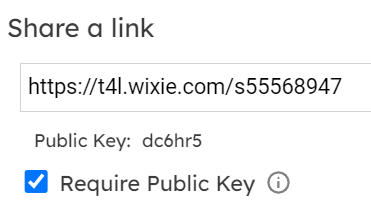
Teachers can share a student's Wixie project by email.
Click the main menu and choose Students.
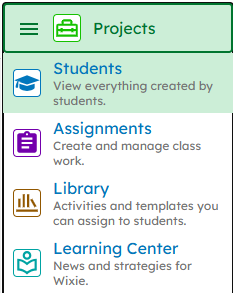
You will see a list of your students on the left.
Click the name of the student whose project you want to share.
Click the project you want to share.
Click the Share button.

You will see a dialog with different sharing options.
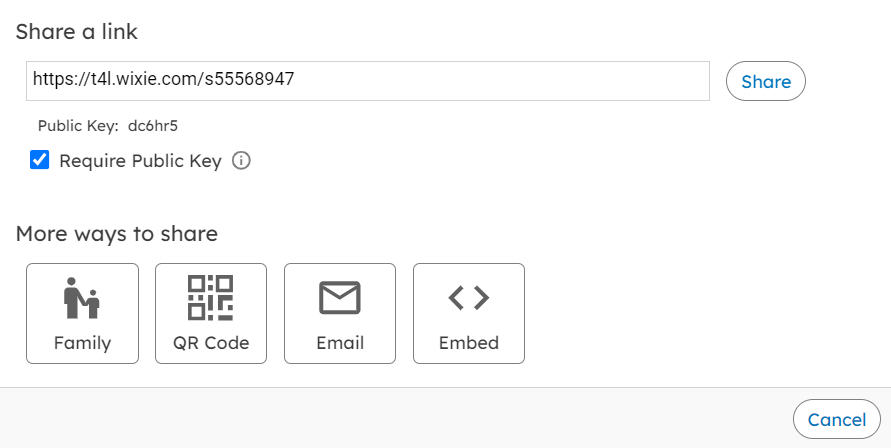
Click the Email button.
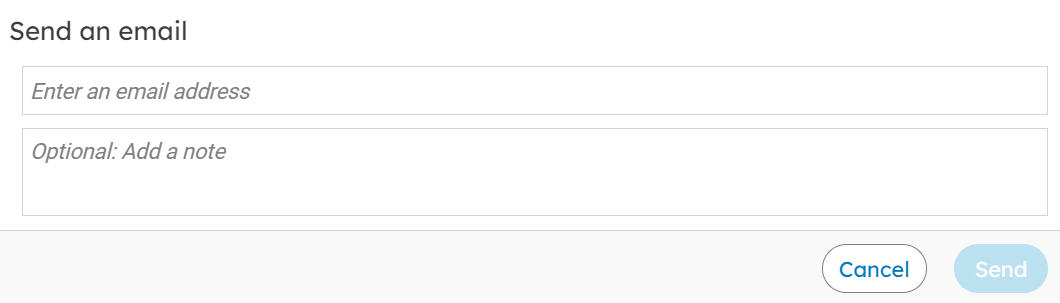
Type the email address of your recipient in the email field.
Type a message in the note field if you like.
Click the Send button.
Note: If your school or district has set Wixie to require a public key, uncheck the box for Require a Public Key on the Sharing dialog.