
You can record a sound to add audio to a page.
Click the Microphone button on the tool palette.

Click the Record button.

You will have 3 seconds before Wixie starts recording.
Speak clearly into the microphone.
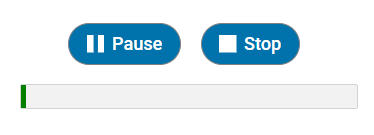
Click the Stop button when you are finished.
You will see a dialog to listen to the sound.
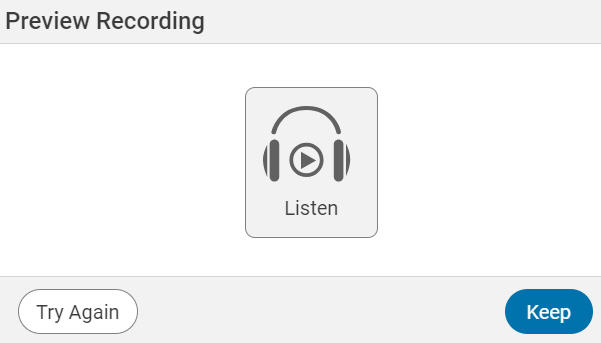
Click the Listen button to listen to the recording.
If you want to record the sound again, click the Try Again button.
You can then record a new sound.
If you are happy with the sound, click the Keep button.
A page can have only one sound.
Click the Record button.
You will have 3 seconds before Wixie starts recording.
Speak clearly into the microphone.
Click the Stop button when you are finished.
You will see a dialog to listen to the sound.
Click the Listen button to listen to the recording.
If you want to record the sound again, click the Try Again button.
You can then record a new sound.
If you are happy with the sound, click the Keep button.
A page can have only one sound.