
11 Wixie activities you can do with your child at home this holiday
Spending time with family over the break is the most wonderful part of the holidays! If your child uses Wixie at school, you can access Wixie at home to create and play together.
Use these 11 ideas to get parents and kids creating together at home.
1. Complete a coloring page
The coloring pages are an easy way to get comfortable with Wixie's tools and mimic activities many families already do together. Complete the coloring pages by choosing a color from the color palette and either using the paint bucket to fill a space on the page with a click or using the paint bucket tool to click and drag to color.
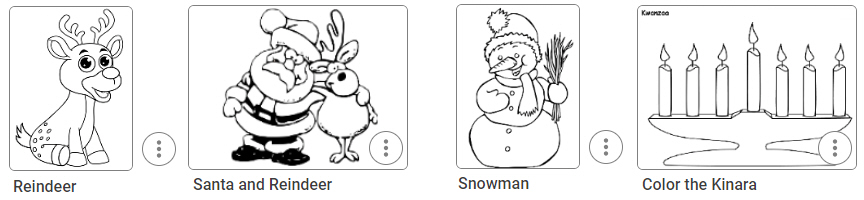
Search "coloring" in the field at the top to find many coloring pages. You can also open the Curriculum library in the list on the left. Then, open the Art folder and find the Coloring Pages folder to find an image you want to use such as the Reindeer, Santa and Reindeer, Snowman, and Kinara.
2. Play in the digital snow
Wixie's paint tools include a 6-sided symmetry option children can use to easily create snowflakes. To get started, log into Wixie and start a new project. Then, have your child select the paint brush tool and choose the six-sided symmetry option.

Then, have your child play in the digital snow and create snowflakes.
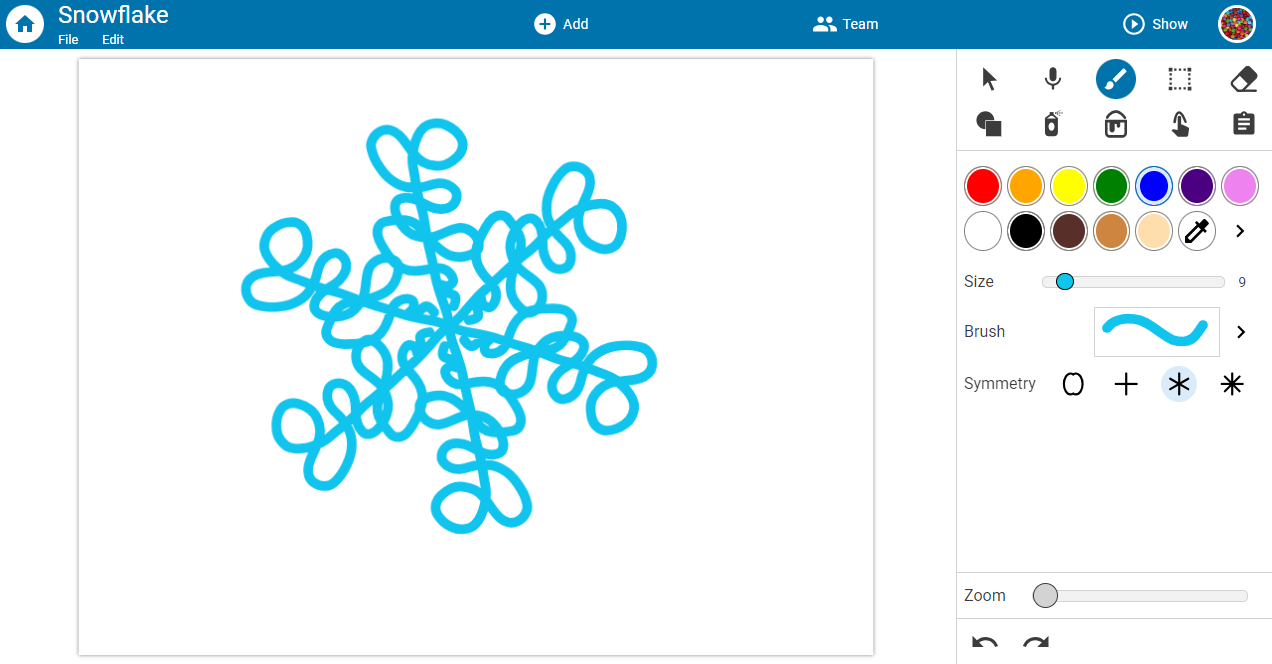
The concept of infinitely different snowflakes is hard to imagine. However, when children use the symmetry option in Wixie to paint a snowflake, they all turn out very different. You can print out the snowflake pages and cut them out to hang in a window.
3. Decorate an ornament
You can have your child use the Decorate an Ornament template to write a favorite Christmas memory and add a picture of the moment.
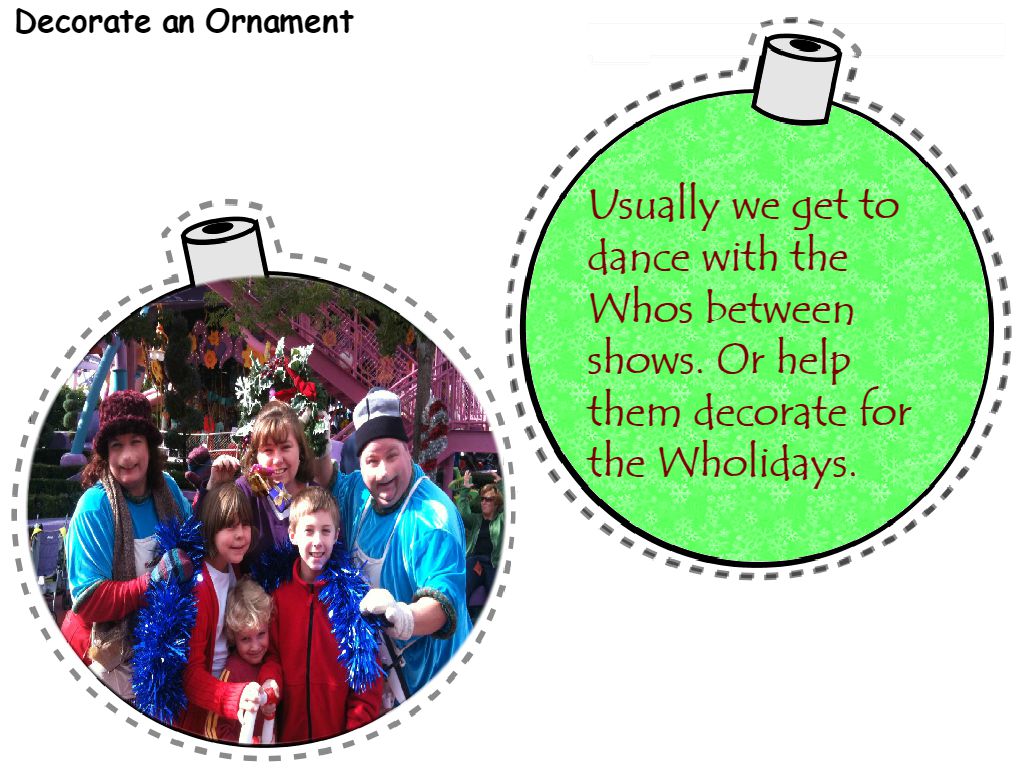
Once your child has designed each side, print and cut out the ornaments. Then, place a ribbon loop between the backs and glue the backs together. Voila! Instant photo ornament! Or use them as gift tags by putting the "to" and "from" names on one piece.
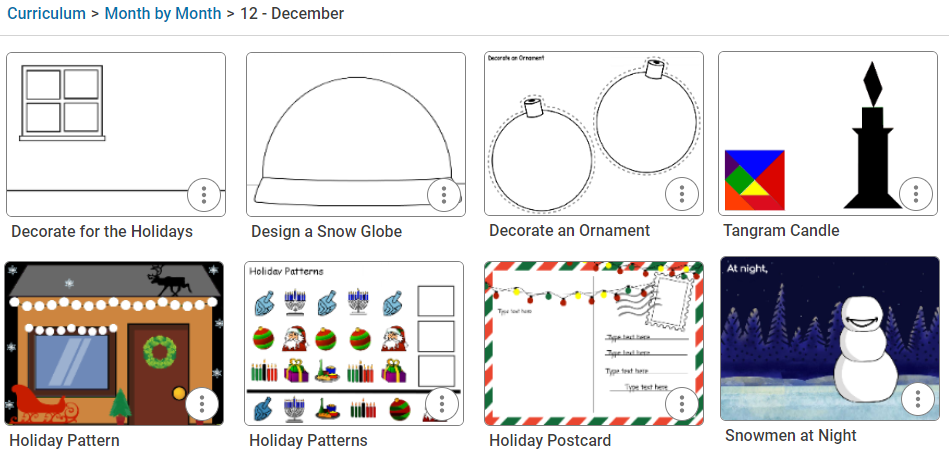
Children can also find templates connected to the weather and holidays in December. When they log in to their account, have them open the Curriculum Activities library. Then, the Month-by-Month folder and browse the December folder.
4. Create scratch art together
Create holiday-inspired, or just creative, images using the Eraser tool in Wixie, like the scratch art cards both you and your child love.
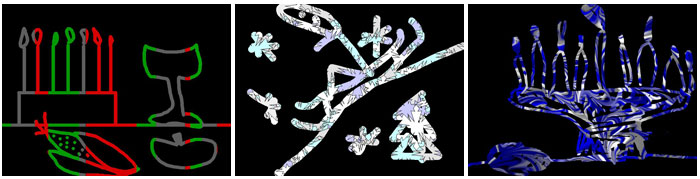
Browse the Curriculum Activities library, open Art, and then Scratch Art for a range of templates you can use to scratch a picture together!
5. Send a thank you card or holiday greeting
Writing thank-you notes for gifts is a great way to teach gratitude and show appreciation for a gift, but it isn't easy for young children to do a lot of writing. Wixie makes the process of sending thank you cards fun and easy.
Children can send a thank you note to a family member, friend, or even “Santa” to share their gratitude for the gift or special treat they received over the holidays. Simply capture a picture of your child with the gift, using the webcam and then have them record audio narration or a video with their thanks.
Wixie projects exist online, so you can copy the project URL from the address bar and send it via email to a relative or family friend as a digital greeting.
6. Make words
Build reading skills by finding and building small words from the letters in larger words or phrases.
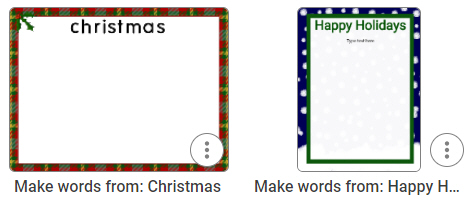
Browse the Curriculum Activities library, open the Month-by-Month folder and the December folder to find templates for the words Christmas and Happy Holidays. Work together to find two- to five-letter words.
7. Share a family holiday recipe
Does your family make a special treat this holiday season? Cook or bake it with your child and create a recipe card for it.
Have your child search "recipe" for a template. Add text for the ingredients as well as how to bake or cook the recipe. Copy the address in the URL field at the top and email to your child's teacher.
8. Design a snow globe memory
People often buy snow globes to help remember events on a vacation. Work with your child to design a snow globe to capture their favorite memory or memories.
Search "globe" for a snow globe template. Use the paint tools to create the background or scene in the snow globe. Use the Image button and Stickers library to find images to represent events.
9. Reflect on the past year
"We don't learn from experience, we learn from reflecting on experience." - John Dewey
Work with your child to remember events over the past year. Search "reflect" or "round up" for a template you can use to capture a picture, type text, and record voice to explain new skills, knowledge, and experiences they have had this year.
For more ideas, browse the SEL folder in the Curriculum Activities library.
10. Set goals for the upcoming year
Writing down your goals brings you one step closer to achieving them! Work with your child to set goals for the new year so they can share with their teacher after the break.
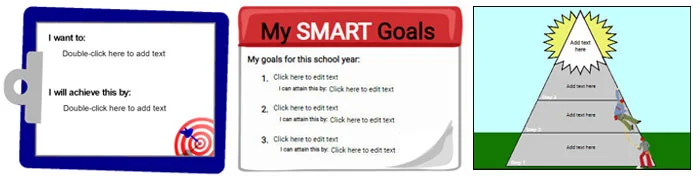
Search "goals" to find a range of templates or simply type them on a blank page and decorate.
11. Record your holiday traditions in a memory book
Traditions are an integral part of the December holidays. Talk to your child about your family's traditions for Hanukkah, Christmas, Kwanzaa, or New Year's Eve. Then, work together to add text, images, photos, and voice or video recordings that capture what this tradition means to your family.
You can even print it as a booklet to fold and share. To include the voice recording, save it as a PDF file, interactive book, or even a movie.
Happy Holidays
Hopefully, these ideas will inspire you not only to make memories, but record them together, too.
 Effective Integration
 Instructional Design
 Learning Strategies
 Literacy
 Month-by-Month
 Product Ideas
 STEM/STEAM
 Share and Showcase
 Updates
 User Management