
If you have a built in camera on your computer, or a USB Web cam, you can add stickers directly from your camera.
Click the Image button on the toolbar.

You will see the Choose an image dialog.
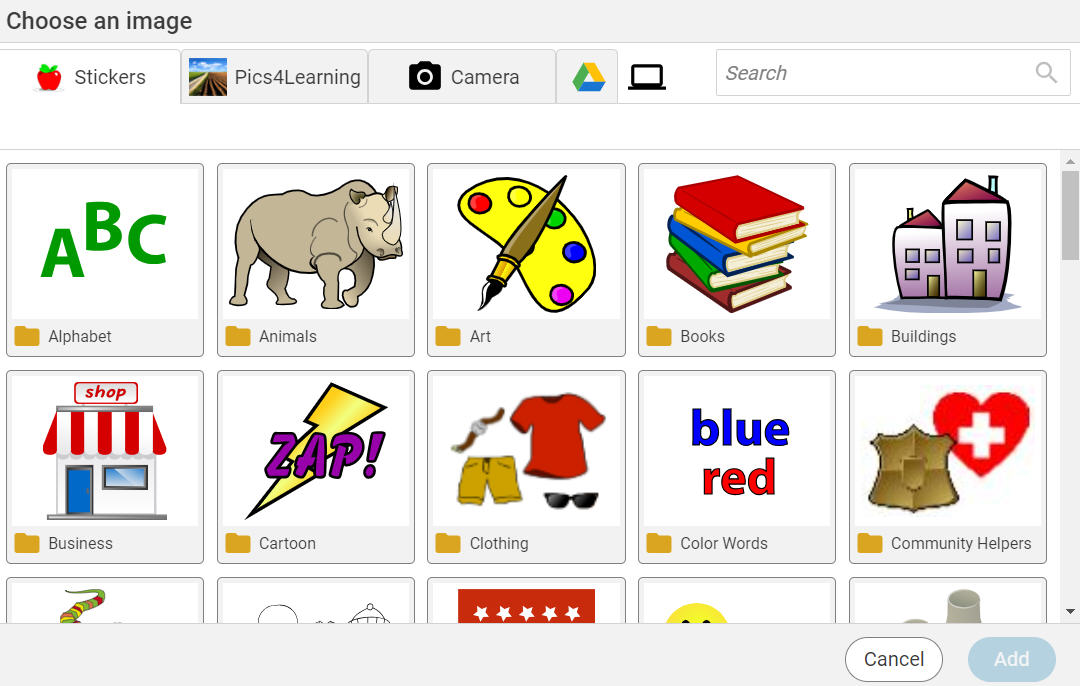
Click the Camera button.
You will see a dialog asking to give permission to use the camera.
Click the Allow button.
You will see a preview of the camera.
You will see the Choose an image dialog.
Click the Camera button.
You will see a dialog asking to give permission to use the camera.
Click the Allow button.
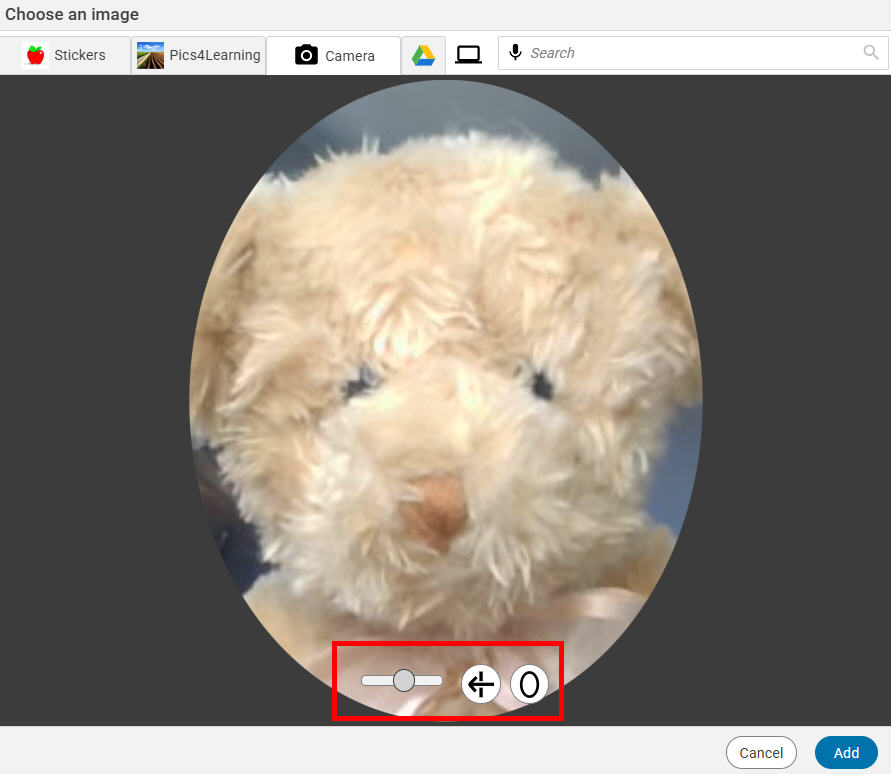
You will see a preview of the camera.
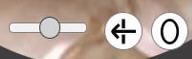
Use the buttons near the bottom to zoom, flip, and change the shape of the capture to an oval.
When your settings are the way you want them, click the Add button.
The image will be added to the page.
The image will be added to the page.