
You can use Family Sharing to easily send a link to one of your projects to all parents in a class.
If parents have shared their email address in Wixie, it is easy to send a project you have created to all parents in a class or all of your classes.
This might be a newsletter you have created in Wixie or a class project your students have created.
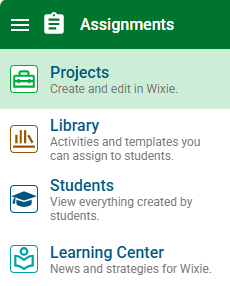
Click the main menu and choose Projects.
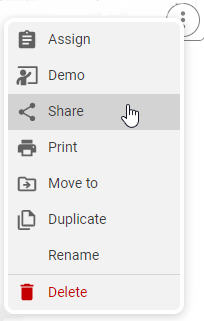
Select the three dots and choose Share from the menu that appears.
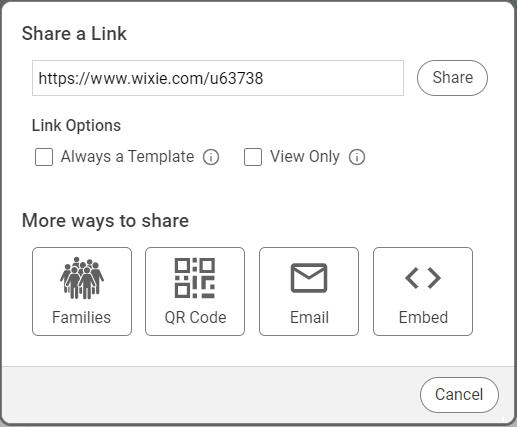
Click the Families button at the share dialog.
Select the class, or classes, you want to email.
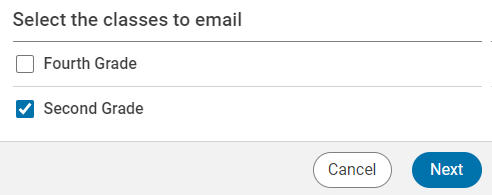
Click the Next button.
Add a message to go in the email.
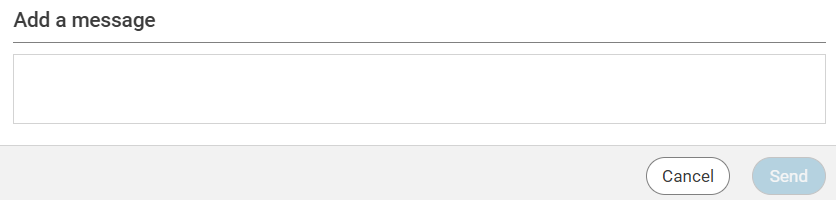
Click the Send button when you are finished.
An email containing a link to this project will be sent to all addresses parent emails connected to the class, or classes, you have chosen.