You can combine projects from different students into a single file.
Click the main menu and choose Students.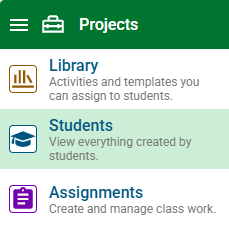
Select the Class button and choose the class with work you want to combine.

Use the Show pull-down menu to filter for the specific student work you want to combine.
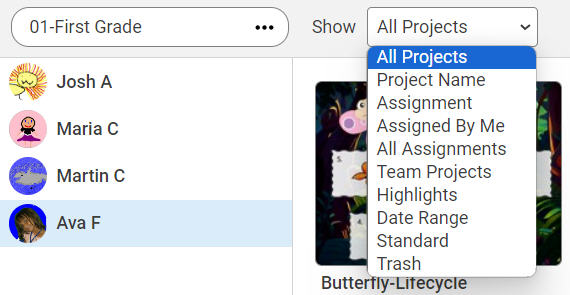
Add in the details you need to find the project and select the Search (magnifying glass) button.
To see the work of all students, select the Entire Class button.

Select the Select Projects button.

All the projects will be selected.
Click to deselect any projects you do not want to include.
Select the Project Wizard button.

You will see the Project Wizard dialog.
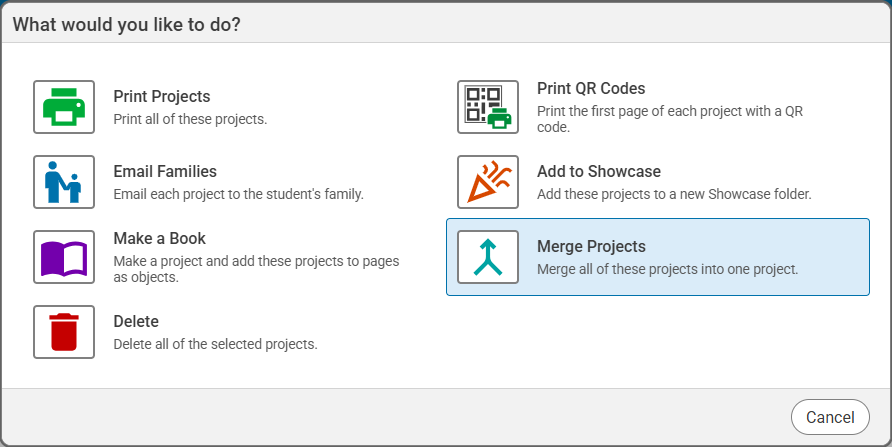
Select the Merge Projects option.
You will see a Project dialog that lets you edit the file name.
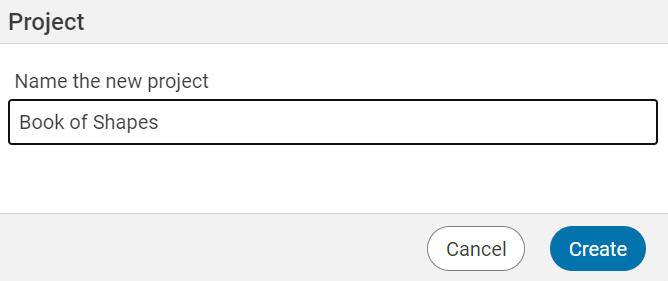
The projects you selected will be collected in to a single file in your My Projects folder at your Wixie home page.