
You can insert an image file from your computer into Wixie.
Click the Image button on the toolbar.

You will see the Choose an image dialog.
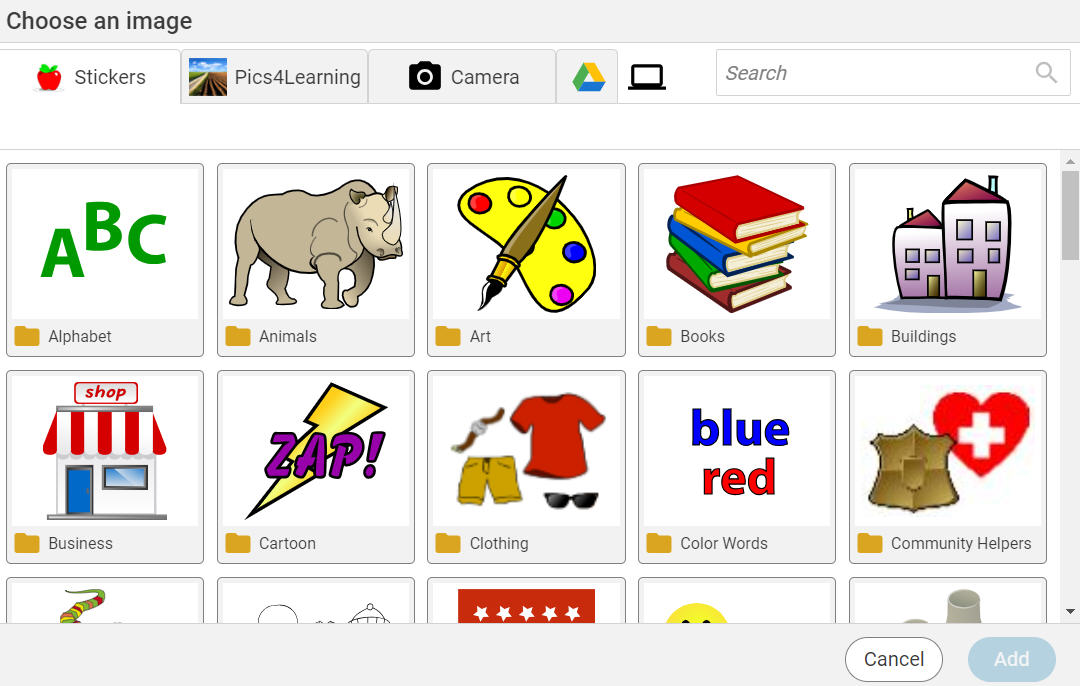
Click the My Files button.

You will see the Open File dialog.
Locate the image you want to insert.
Click the image to select it.
Click the Open button.
The image will be added to the page.
You will see the Choose an image dialog.
Click the My Files button.
You will see the Open File dialog.
Locate the image you want to insert.
Click the image to select it.
Click the Open button.
The image will be added to the page.
If you want to change the color of the image, drag the Color slider on the options panel. You can also glue to object to the paint layer to recolor it using the paint tools.