You can change the color of an object that you have added to a page.
Select the image.
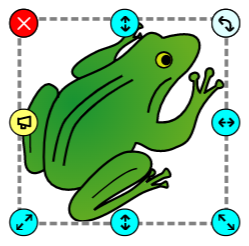
You will see the Sticker options panel.
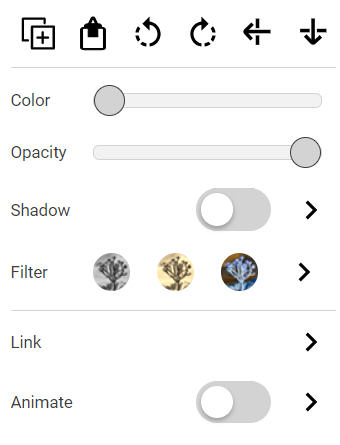
Drag the Color slider to change the color.

The image will change colors as you drag the slider.
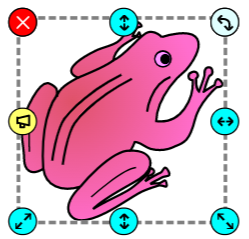

You can change the color of an object that you have added to a page.