
Get students started with Wixie using the Curriculum Activities and Design Templates libraries
Get started by having students create projects from the Curriculum Activities and Design Templates libraries. With an entire folder of All About Me projects in the Design Templates library, including wanted posters, IDs, and trading cards, you’ll only need to give students a bit of direction, and they’ll learn to use Wixie in a way that sets the stage for independent work.
Getting started
When students log in to their accounts, they will see the Curriculum Activities and Design Templates libraries on the left.
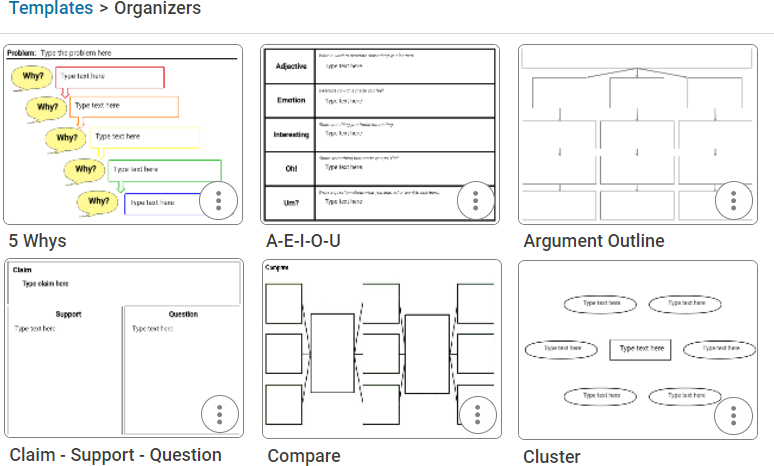
The Design Templates library includes graphic organizers, formative assessments, and project templates students can use to begin working in Wixie independently.
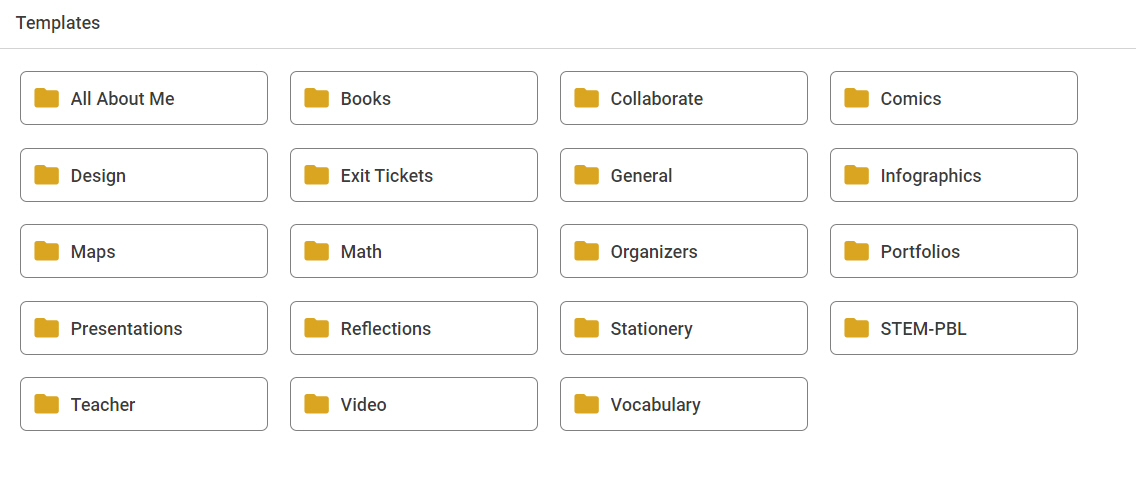
The Curriculum Activities library includes thousands of activities for practice and formative assessment.
So which template should you have them use for a first project?
Here are some ideas students can use to start their first project.
All About Me folder
The All About Me templates are great ways to get to know your students at the beginning of the school year or if you are starting a new semester with new students. Simply ask students to open the All About Me folder and choose a template.
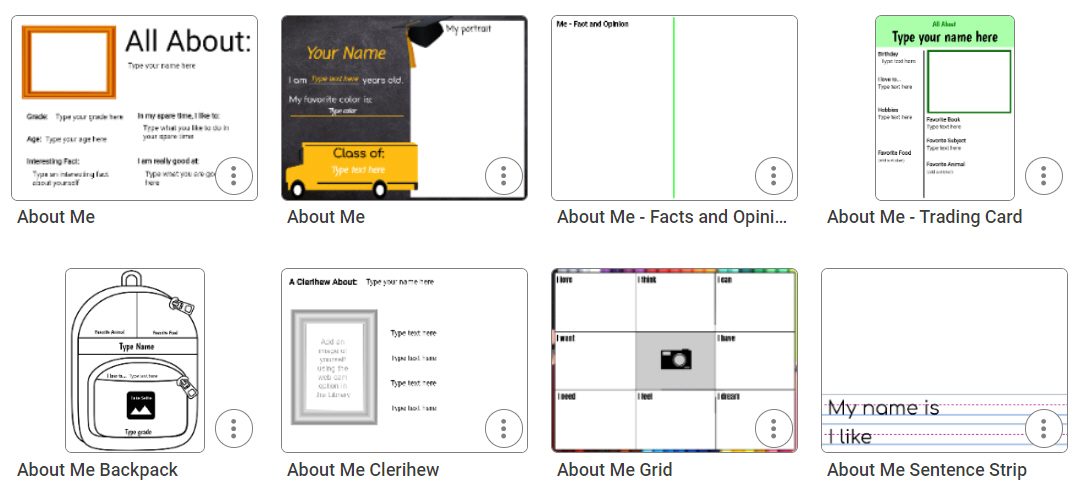
The templates in this folder will vary depending on the age of your students. If you are exploring from your teacher account, your grade-level settings will determine which templates you see.
Get primary students started using the paint tools with the Profile Image template. If your students are familiar with paint tools or even Wixie, you can use the All About My Family template. In this template, students paint and record information about their family on the first page and then add images from the Stickers library on the second page.
Intermediate students can open a Bio Poem template then focus on adding and editing text. Once they finish writing, they can use the Image button to add additional art or the Record tool to share more information about themselves.
Most classes have a few students who have experience with technology and paint programs. Since it may not take these students as long to complete the project, ask these experts to help other students ready for these skills.
Scratch Art
Since they are inexpensive and portable, many students have experienced using a small wooden tool to scratch and create art at home or in the back seat of a car on a road trip.
The Art folder includes a Scratch Art folder that contains templates with various colorful backgrounds behind the "scratch" layer. Students use the Eraser tool to scratch and create their designs.
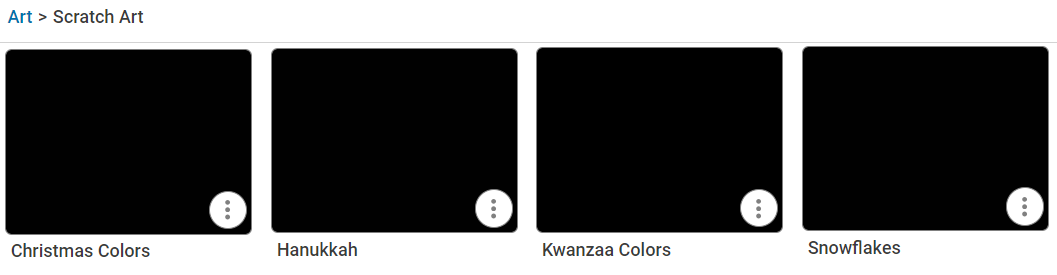
While students can use the scratch art templates to create artwork, they can also use them to design a greeting card. They can add additional pages to type a message or create a voice message using the recording tool. Since Wixie projects exist online, you simply need to copy and paste the URL from the address bar to share the eCard with family and friends.
Wanted posters, trading cards, and more
Many of the templates can be used with a specific curriculum objective. The Language Arts folder includes a Character Traits template where students draw a picture and share information about the protagonist in a story or informational text they have been reading. Students can use the SuperHero ID Card in a Social Studies context to have students share what they have learned about a person from history.
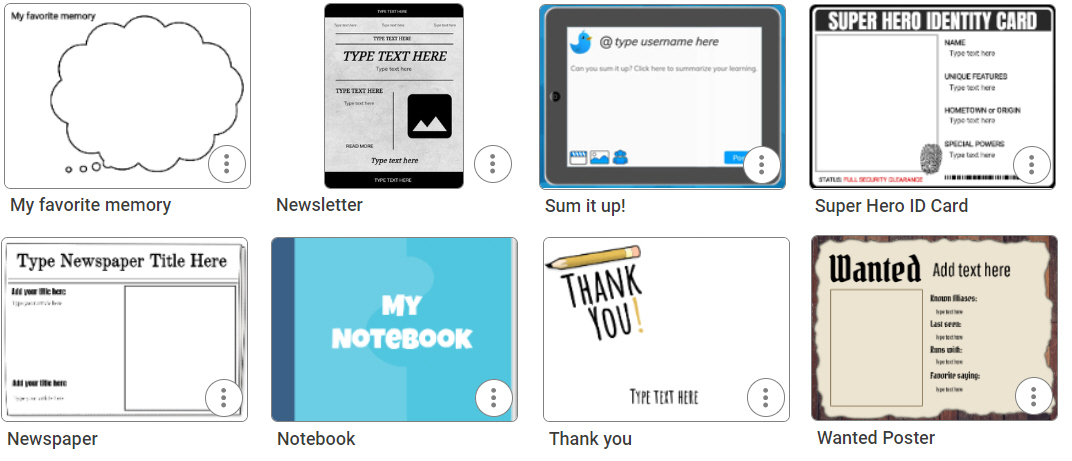
The Wanted Poster and Trading Card templates let students focus on writing content with minimal need for additional Wixie expertise. Wanted posters and trading cards can be used in almost any curriculum area, as well as for a creative approach to vocabulary.
Research and Graphic Organizers folders
The Graphic Organizer folder includes templates like Venn diagrams, 5W's, Fact or Opinion, and more. For a first project, you may want to direct students to use a specific one, but showing students where to find and use these opens the door to them taking charge of their learning.
Set a strong foundation
No matter which first project you choose to do with your students, getting them to start accessing the Curriculum Activities and Design Template libraries sets a strong foundation for student autonomy and responsibility for learning.
 Effective Integration
 Instructional Design
 Learning Strategies
 Literacy
 Month-by-Month
 Product Ideas
 STEM/STEAM
 Share and Showcase
 Updates
 User Management