
You can use Family Sharing to easily send the work of all students in your class to their individual parents.
If parents have shared their email address in Wixie, it is easy to send the work they have done on a project assignment to each of their parents.
Open an assignment, or find the projects you want to share on the Students page.
Click the Select All button to select all student work.
Click the Project Wizard button.

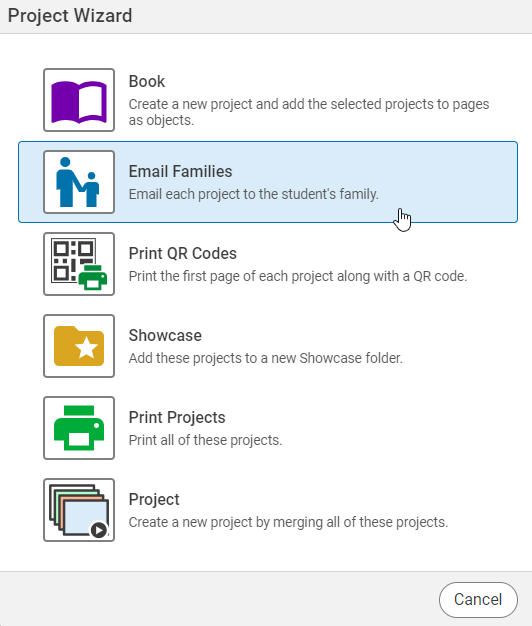
You will see a dialog with options.
Click the Email Families option.
An email containing the link to their child's project will be sent to all parents connected to the students whose projects you have selected.