
You can add a link to a web site to images and text objects.
Click an object to select it.
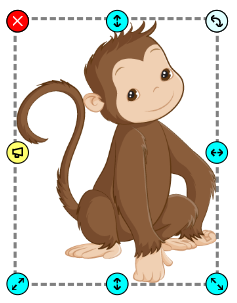
Click the button for More Options.

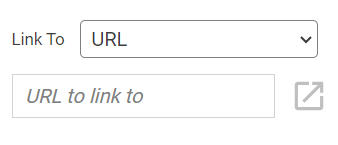
Click in the Link field and enter the URL for the web page.
When the project is in Show mode, clicking the hyperlink will open the web page.
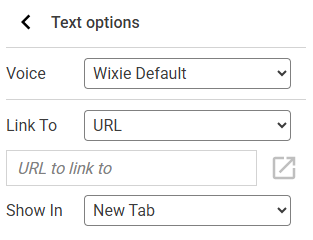
You will see more text options.
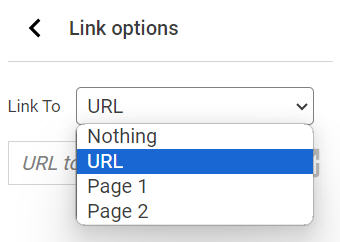
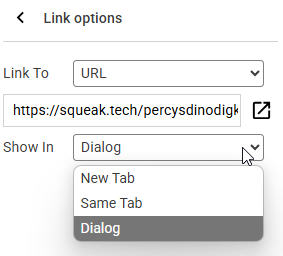
Use the Link To pull-down menu and choose URL.
Click in the Link field and enter the URL for the web page.
By default the link will show in a new tab.
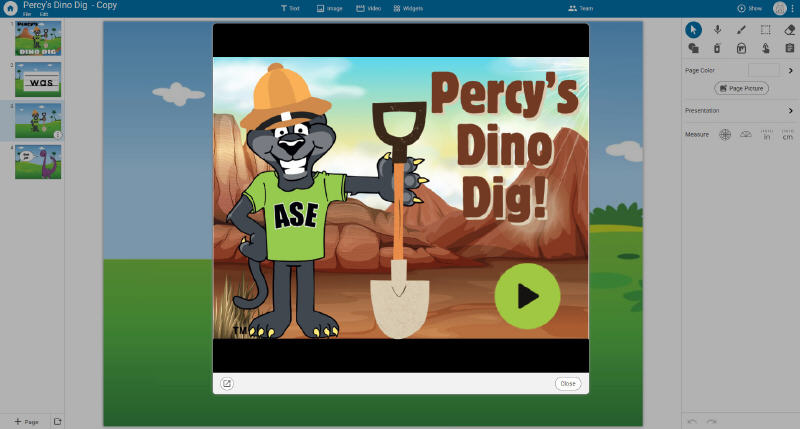
To display the web page in a box above the current page, use the Show In pull-down menu to choose Dialog.
To display the web page in the same browser tab as the Wixie project, use the Show In pull-down menu to choose Same Tab. Users will need to use the browsers back button to return to the Wixie project.
When the project is in Show mode, clicking the hyperlink will open the web page.
Classroom Connection:
Use a URL in a project to connect the viewer to additional background information and context, ideas for further exploration, and direct links to research and information for project citations.
Use a URL in a project to connect the viewer to additional background information and context, ideas for further exploration, and direct links to research and information for project citations.