
You can lock a sticker or text object so that it cannot be moved or edited.
Select an object.
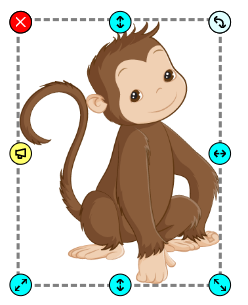
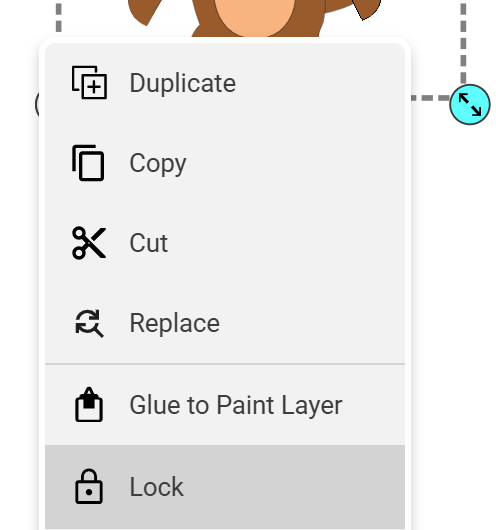
Click the menu handle for the object and choose Lock.
The options panel will indicate that the object is locked.
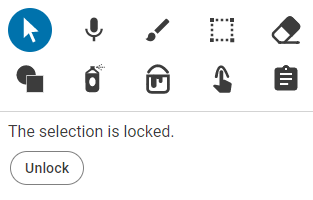
Click the Unlock button to unlock the object.
Click the menu handle for the object and choose Lock.
The options panel will indicate that the object is locked.
Click the Unlock button to unlock the object.