
Teachers can view the projects a student has completed by the standards.
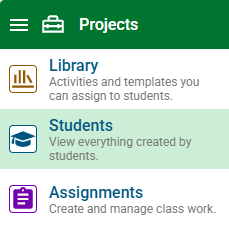
Click the main menu and choose Students.
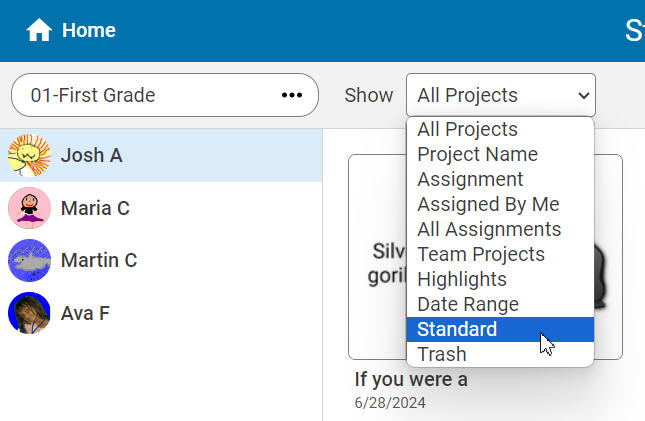
Use the Show pull-down menu to search by standard.
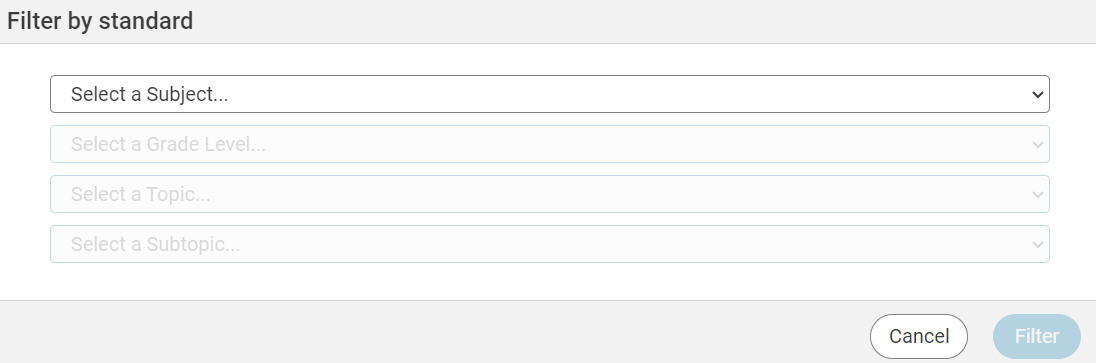
You will see the Filter by Standard dialog. Use the pull-down menu to select a subject, grade level, topic and subtopic.
You will see all of the work that your students have completed to meet that particular standard.
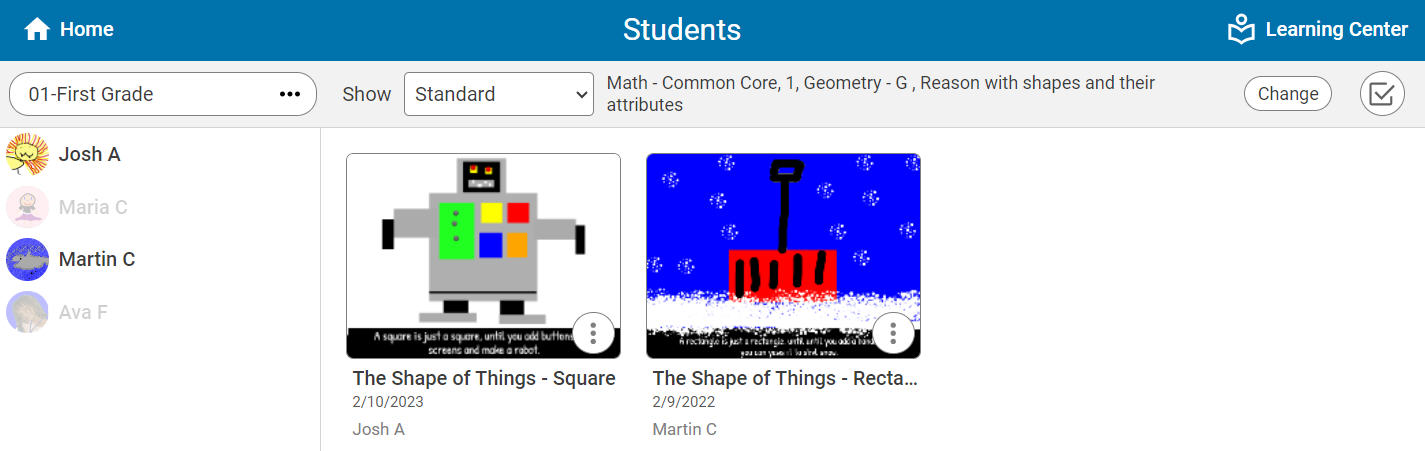
You can use the Project Wizard options to easily combine, share, and print the work to share with others.