
Maximize Wixie’s potential in the Learning Center
Whether you're a new user or a Certified Wixie Educator, Wixie's Learning Center is your one-stop hub for resources designed to enhance your teaching experience and engage your students like never before.
To access the resources, click the Learning Center link on the top toolbar on your Wixie homepage.

You will be asked to confirm your role and the grades you teach so that Wixie can customize the content so that it is relevant to the work you do and the students you teach.
Here are some of the ways you can take advantage of the information and resources in Wixie's Learning Center:
Stay current with News and Updates
The top of the Learning Center features news items highlighting recent additions or timely activities and resources. The Updates section keeps you informed about the latest features, curriculum additions, and settings added to Wixie.
Spark creativity with Lesson Ideas
Need inspiration for your next lesson? Explore the lessons to find creative ideas and activities aligned with standards. Each lesson idea includes step-by-step directions, relevant templates you can assign to your students, along with high-quality examples of student work.
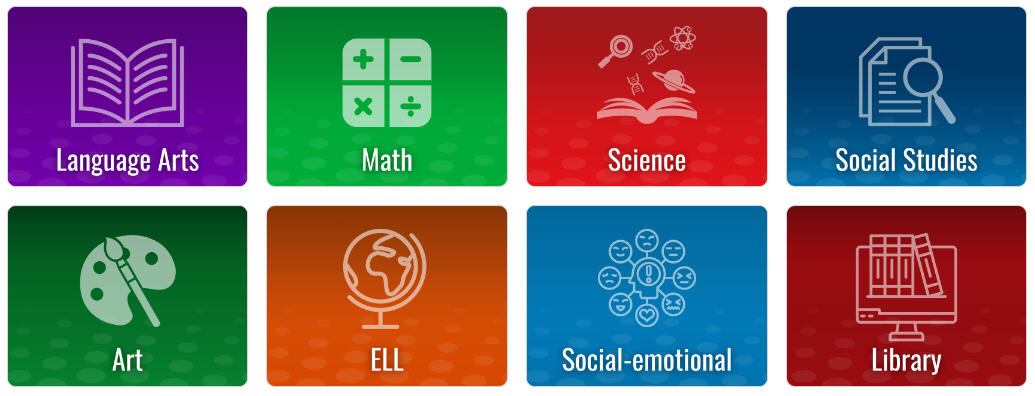
Enhance your skills with Training Courses
Looking to sharpen your Wixie skills? The training courses are designed to help you navigate Wixie with confidence and ease.

- Wixie 101 - Fundamentals includes the essentials you need to know to maximize learning with Wixie - why to use it, what to do with it, and how it works.
- Wixie 110 - Getting Started with Students provides ideas for a range of first projects as well as how to assign and view student work.
- Wixie 120 - Teaching with Wixie focuses on teacher tools that help you view progress, manage assignments, provide feedback, and evaluate student work.
- Wixie 201 - Creating Custom Curriculum teaches you how to create customized templates and take advantage of settings to meet the specific needs of your learners.
The grade level folders include a collection of our best age-appropriate integration resources.
Explore Integration Guides
From classroom management to project ideas, to script writing and planning, the resources in the integration guides will help you implement creativity with technology across your curriculum.
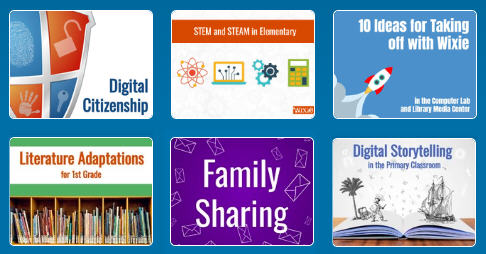
Depending on the role you chose —teacher, tech coach, and/or Library Media Specialist —rows of guides will appear with instructional strategies, curriculum, ideas, and more.
Dive into Hot Topics
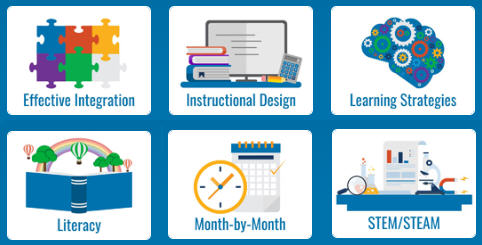
Stay ahead of the curve with the Wixie blog, where we delve into a wide range of topics like:
- Effective Integration: Learn how to seamlessly incorporate Wixie into your teaching to enhance student engagement and learning outcomes.
- Instructional Design: Discover best practices for designing Wixie templates that are effective and engaging.
- Learning Strategies: Explore innovative approaches to cater to diverse learning styles and needs.
- Literacy: Find resources and ideas to promote literacy across all grade levels.
- Month-by-Month: Get seasonal and timely ideas to keep your curriculum fresh and relevant.
- STEM/STEAM: Dive into projects and activities that promote science, technology, engineering, arts, and mathematics learning.
Engage with live and on-demand webinars
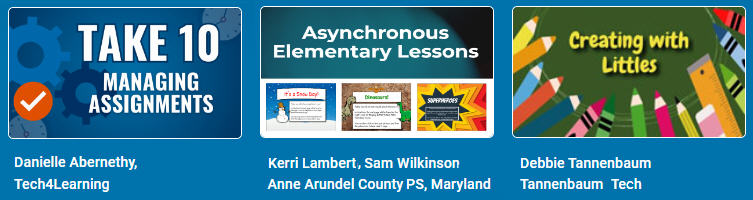
Webinars connect you with Wixie experts. If you prefer interactive learning sessions, click to join a live webinar with your peers. Webinars are recorded, so you can benefit from the experience of experts at your convenience, too.
Maximize your experience today
Don't let these valuable resources go underutilized. Visit the Learning Center to empower yourself with knowledge, inspire your students with creative lessons, and transform your teaching with Wixie.
 Effective Integration
 Instructional Design
 Learning Strategies
 Literacy
 Month-by-Month
 Product Ideas
 STEM/STEAM
 Share and Showcase
 Updates
 User Management