
Create digital postcards with Wixie
Postcards are an engaging way to ask students to share what they have learned about the curriculum. Students can also create postcards to share information about a place they have visited or an important event in their lives. They could even design and share a postcard as a thank you note or digital greeting card.
Students can use Wixie's tools to design a unique image for the front of the postcard and type a message on the back. If they are sharing digitally, they can also record a voice or video message. Wixie even includes postcard templates to help students get started.
Create fictionalized postcards to show what you know!
Students can create postcards from other times and places to share their learning about a curriculum topic in a creative way.
Studying an ancient civilization?
Ask students to share what it was like to visit an important place, taking on the persona of someone visiting the site during that time.
Exploring geographic locations or different habitats?
Have students create and share a postcard that demonstrates what makes this location unique and what it is like to visit. You can find and share printed examples you have collected from family and friends, or share examples digitally.
Make "What I did over my summer vacation" projects fun
Many students hate the dreaded "what they did over summer vacation" essays they have to write when they get back to school. But this is a really great way to not only get to know your students better, it is a great way for them to share a bit about themselves as they reconnect with old friends and make new ones at the beginning of the school year.
Share a quick thank you
Writing a thank you card shows your gratitude for the work and effort of others. Because postcards don't have a lot of space for text, they can be less intimidating for students to use to show their appreciation. If you have been on a field trip, have students share images from the trip on the cover and a quick note on the back. If someone has visited your classroom or supported your students, have them create a relevant image for the first page and thank you note on the second.
Wixie postcard templates make it easy
Templates available to students make it easy to get them creating! When students log in to their Wixie accounts, they simply search the field at the top for "postcard."
Students can open the Stationery folder in the Design Templates library to find this template and more. The Month by Month folders also include themed postcards to help support student work.
Postcards are meant to be shared
No matter if you create print or digital postcards, be sure to send them to someone so students see their work is valued. You can use Family Sharing to easily send the work of all of your students in your class to their individual parents.
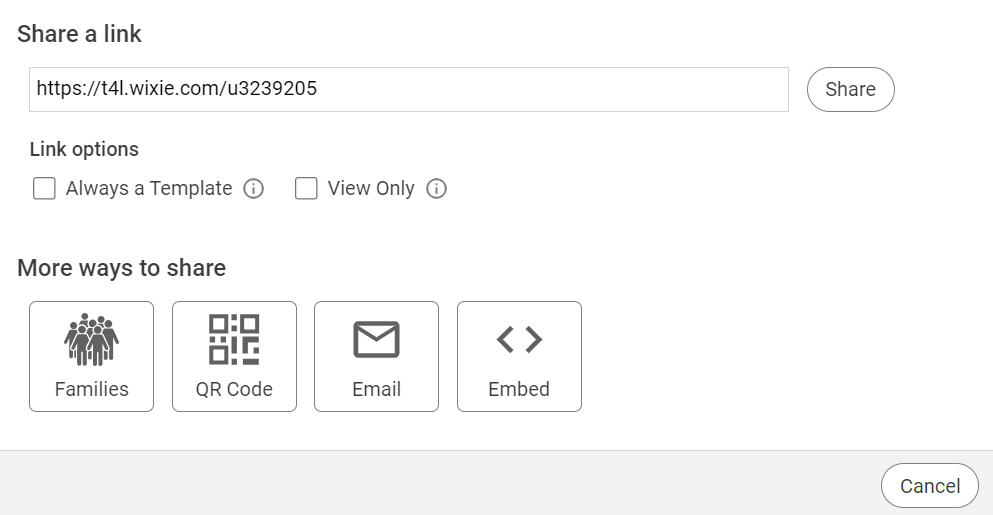
Students can also Print to share a tangible copy of the postcard.
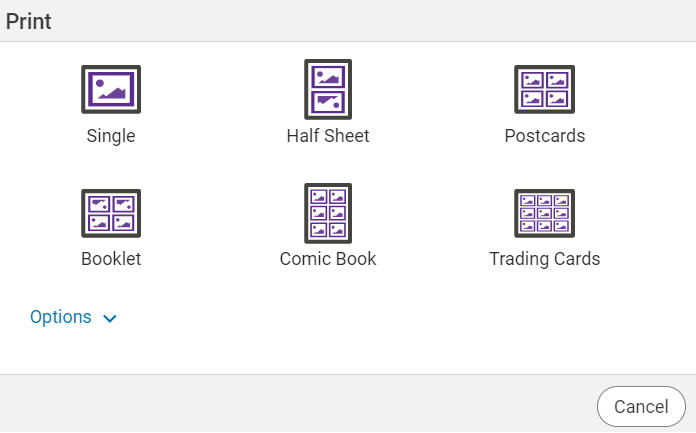
At the Print dialog, choose the Half Sheet option to print both pages onto one sheet of paper. They can then simply fold and glue the edges together to create their postcard.
 Effective Integration
 Instructional Design
 Learning Strategies
 Literacy
 Month-by-Month
 Product Ideas
 STEM/STEAM
 Share and Showcase
 Updates
 User Management