
Create holiday gifts with Wixie
Creating holiday gifts is a great way to bolster student literacy skills and demonstrate how their work and effort have value beyond the classroom. What better way to put student creativity to good use than having them create unique holiday gifts that show appreciation for family, friends, or community members?
Students love making things, and Wixie makes it easy to create a range of items. Use these simple gifting ideas to get your students creating and sharing in minutes.
Coupon booklets
Creating a coupon booklet is a simple yet thoughtful idea and is always cherished by the gift recipient. Encourage students to use a graphic organizer to brainstorm tasks they can do for their loved ones. Then, students can use the coupon template to put their ideas into action.
If students create four coupon pages, they can use the Booklet print option to publish all four coupons on a single sheet of paper. Then, simply fold into a booklet and share as a tangible gift.
If students recorded their voices or added a video to explain their coupon, use Family Sharing to send the recipient a link to their virtual gift cards.
Silhouette ornaments
Ornaments, especially those that are personalized, are a wonderful gift that can be treasured for years to come. Students can get started with the decorate an ornament template. Encourage them to take it a step further and create an ornament that includes their silhouette and a memory from the past year.
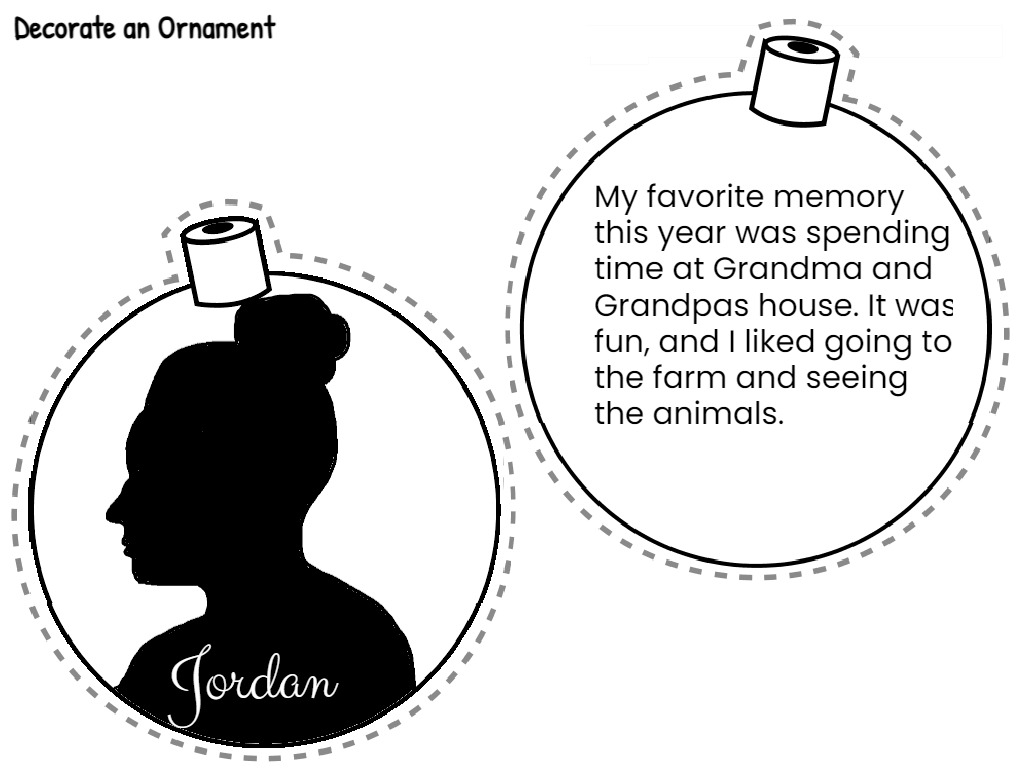
While students can always draw their silhouettes, they can also create them by taking their pictures with the built-in camera.
- 1. Start by adding a blank page, selecting the Image button, and then taking their picture with the camera.
- 2. Next, have students select their picture and Glue it to the Paint Layer.
- 3. Use the Lasso tool and the Eraser to remove the background.
- 4. Then, use the paint bucket to fill the picture with black and the paint brush to clean up any necessary spots.
- 5. Once complete, convert to a sticker and add it to the ornament.
Students can print the ornament, cut it out, and glue the pieces together for a memorable gift.
Memory snow globes
Snow globes are an excellent way to capture precious moments in time. Students can use the snow globe template for a variety of projects that recipients will genuinely cherish. Students can:
- Create a snow globe ornament with their image.
- Follow similar steps above to bring students into their work. Students will have a wonderful time coming up with the poses for their creations. For extra effect, have them add hats and mittens from the Image gallery.
- Make a scene about their favorite memory from the year.
- Students can use the paint tools to create a background and the Image Library to find images to represent the events.
- Write snow globe poems.
- The snow globe is such a perfect vessel to capture their sweet words. Have students record themselves reading their poem with the narration tool, or even add a video and place it in the middle of the snow globe.
When finished, go to the Image button and search for "snow globe" to find a transparent overlay to place over the snow globe design to make it look more realistic.
Custom calendars
Capitalize on all your students' hard work over the past year by creating a family calendar. A custom family calendar is a wonderful keepsake and will be a great reminder of the progress students have made this school year.
To get started, assign or have students search for the calendar template. Then, students can simply import pages from projects they are proud of. A great place to look for projects is their Highlights folder, a collection of their high-quality work from over the years.
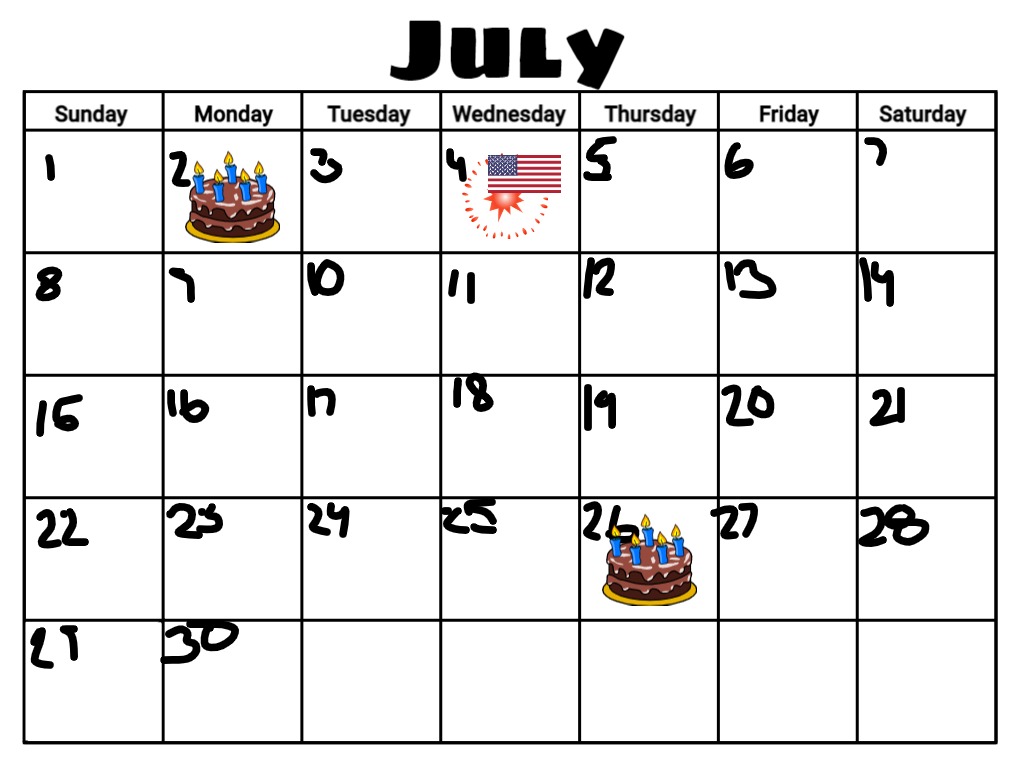
Students can also add a new blank page and add new illustrations or images and text to go along with their calendars.
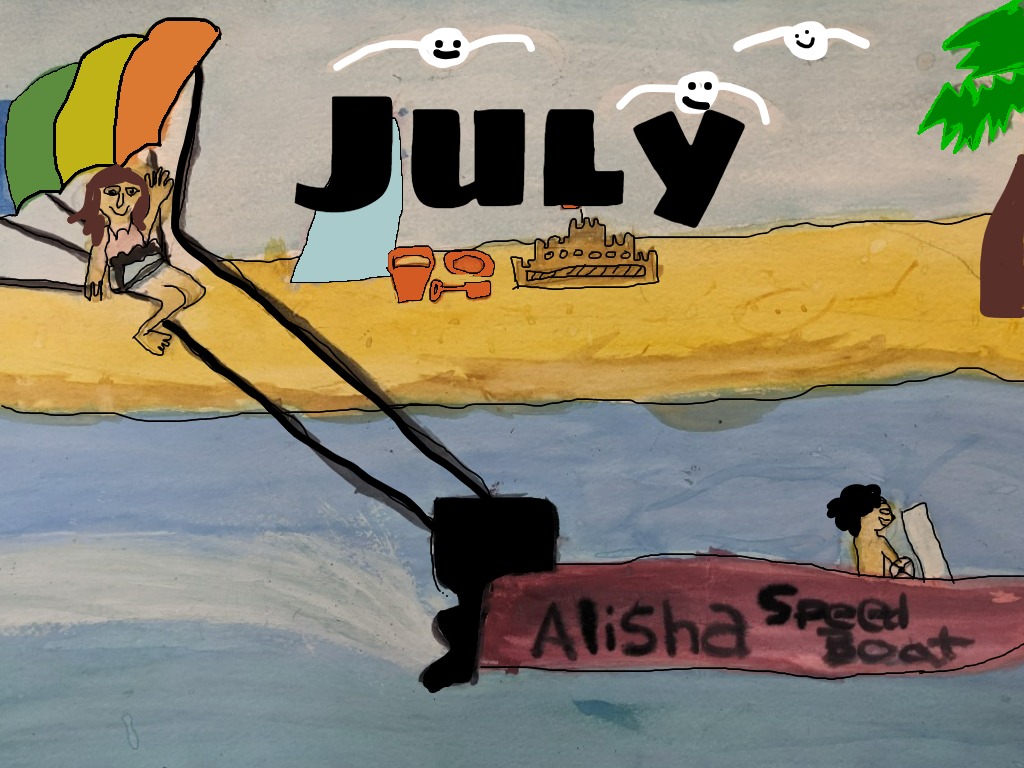
If students need to reorder their pages, they click on the page in the storyboard and move it to the correct position.
If you are sharing the calendar digitally, encourage students to use the video tool to record a message on each calendar page for a monthly gift to the recipient.
Digital books
Give student writing purpose and meaning by creating a digital book in honor of a loved one. Digital books make it easy to share student writing projects, helping to engage students and inspire them to produce their best work.
Turn opinion writing into a gift with a focus on "My Favorite Relative."
Original stories, informational texts, and literature adaptations also make for great books. Print as a coffee table book or download as a PDF to read and share on digital devices.
Holiday activity collections
Students can also create their own puzzle books with Wixie and share them with their family and friends. Creating a book full of puzzles is a great way for students to build their problem-solving and critical-thinking skills. Students can start by:
- Crafting their own Sudoku games.
- They can get started with an easy or difficult Sudoku template.
- Developing their own word searches.
- Students can use the word-search template to create their own. A strong vocabulary is essential to academic and career success, and a word search is a perfect format for students to showcase their skills in a fun way. Students may even choose to include words that represent their family or friends.
- Creating riddles.
- Students love jokes and riddles. Search “riddle” in Wixie to find a variety of templates to help structure their work. Riddles are a fun format to showcase their knowledge for an informational text research project they may have completed.
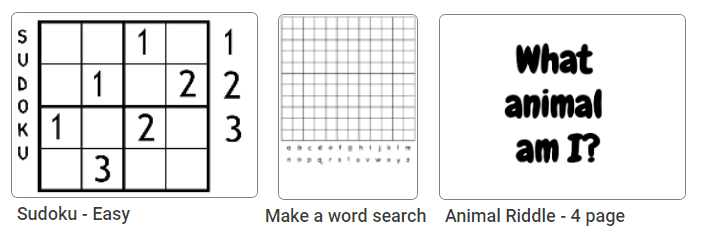
Once students have developed all the pages of their puzzle book, have them use the Import Page feature to add all their puzzles into one collection. Students can then use the print options to share their creations with their families and friends to solve together.
Happy Holidays!
No matter what project or gift your students choose, using the templates and features in Wixie will bring their creativity and thoughtfulness to life. It will surely be a welcome treat to family, friends, and community this season!
 Effective Integration
 Instructional Design
 Learning Strategies
 Literacy
 Month-by-Month
 Product Ideas
 STEM/STEAM
 Share and Showcase
 Updates
 User Management