
You can add pages to a project by importing them from other projects you have made.
You can add pages from your projects, and the Curriculum and Template libraries into a Wixie project.
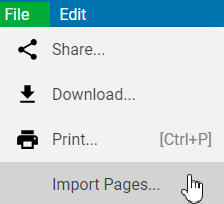
With your project open, select File and choose Import Pages.
You will see the contents of your My Projects folder.
Find the Wixie project with the pages you want to import.
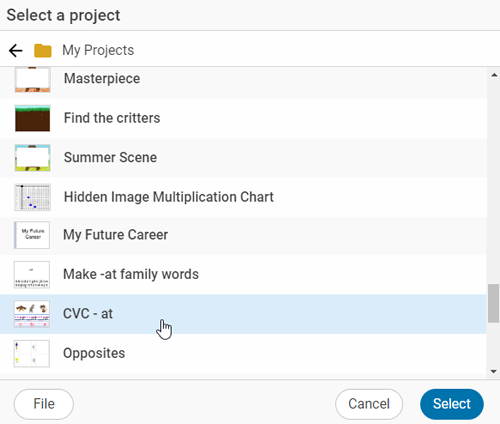
Click the project and choose the Select button.
Next, choose the page or pages you want to copy into your project.
If there’s more than one page that you want to import, select each page and click the Import button.
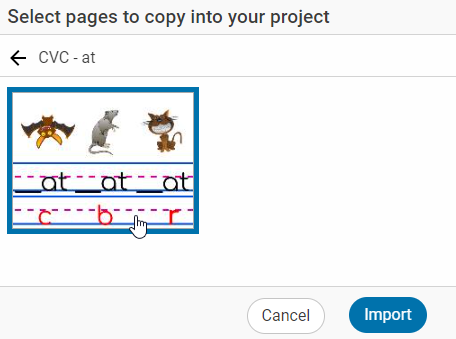
The new page will open in your project and you’ll see it in your storyboard where you can drag it to where you want it in your project.
Note: If the page you import was created in the mind mapping tool, the imported page will show the entire mind map on the background layer.