
You can disable the alignment guides for yourself or your classes.
Click your profile icon.
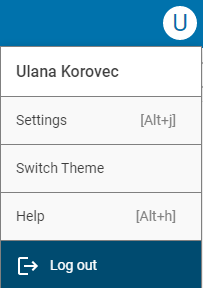
Click the Settings option.
You will see your Wixie settings.
Scroll to the Preferences section.
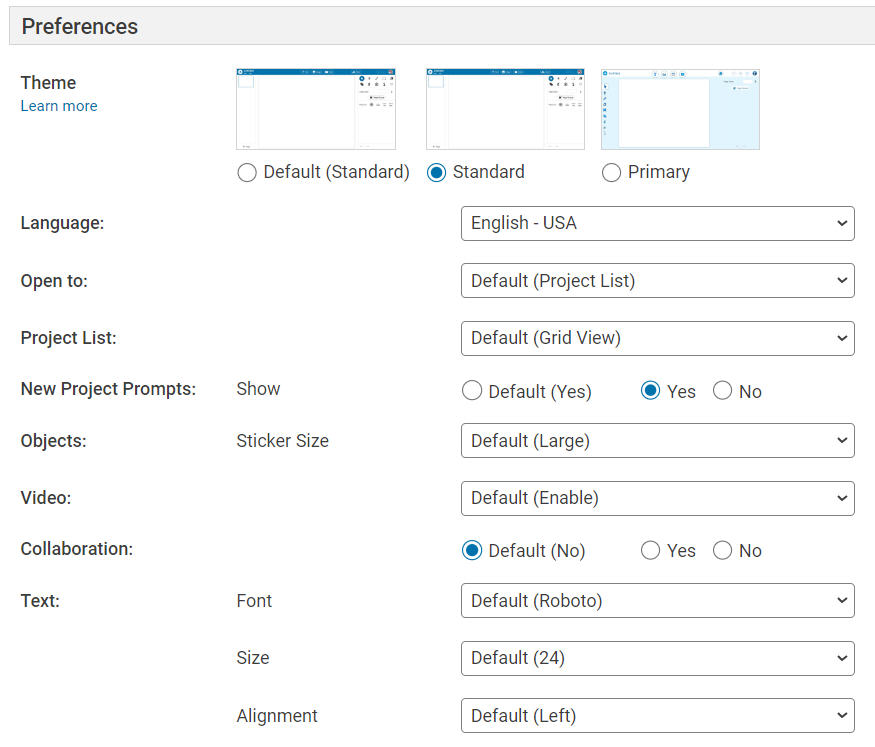
In the preferences you will see options for showing and snapping to alignment guides.

Click the No radio button to turn off the option.
This will change your personal Wixie view.
You can also change the setting for a class of students.
Click the My Classes button.
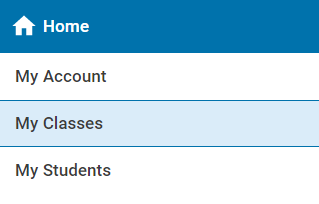
You will see your classes.
Click the Settings button for a class.

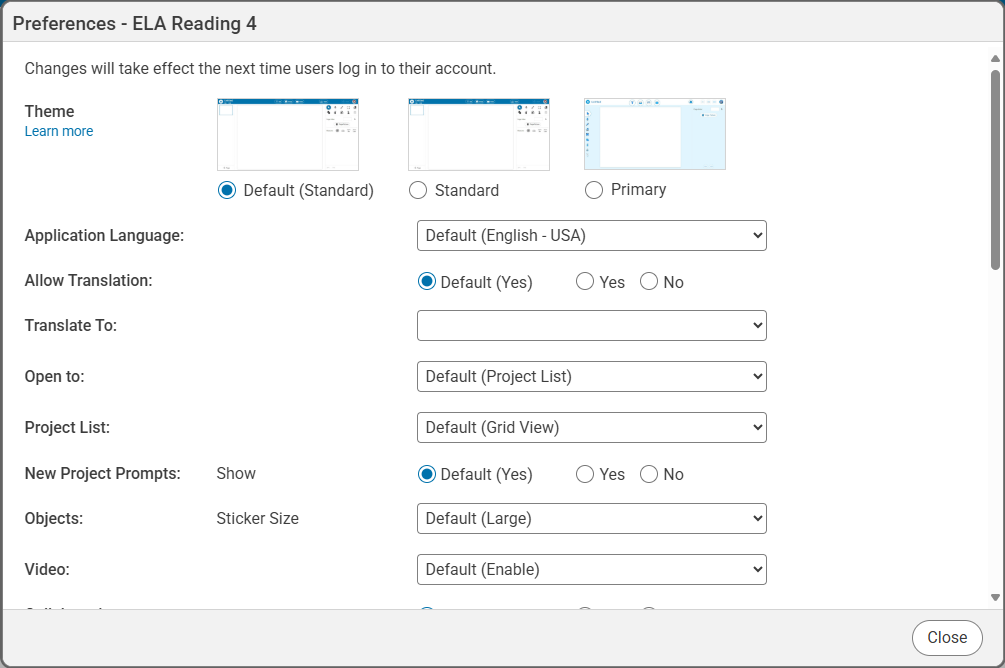
Scroll down to change the Alignment settings.
Click the Close button when you are finished.