
You can customize a project a teacher has shared as a remix.
When a teacher has shared a project to remix, anyone can customize it.
If you open a link to a project that has been shared as a remix, you will see this dialog.
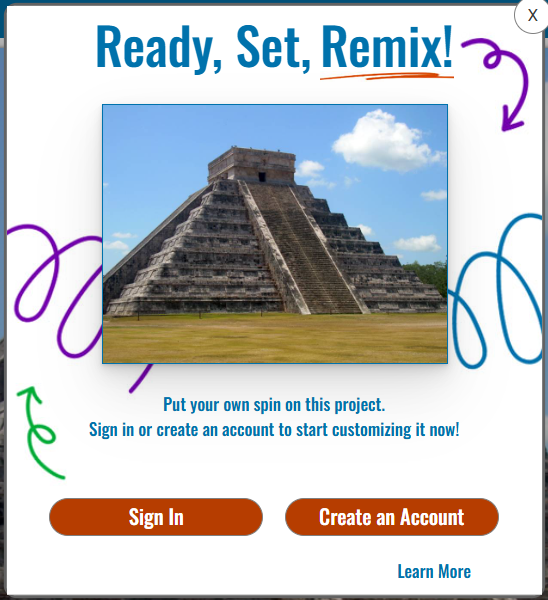
If you have a Wixie account, select the Sign In button to log in and begin working in this project immediately.
If you don't have a Wixie account, choose Create an Account to set up a 30 day trial.
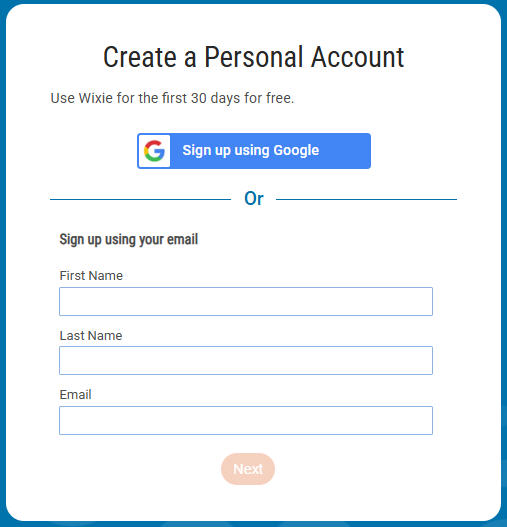
Click the Next button when the form is complete.
Wixie will open the Remix file and you can begin working.