
When you share a project with someone, they can translate the text into another language.
When someone is looking at a Wixie project that you shared using the project link, there is a Translate button on the toolbar.

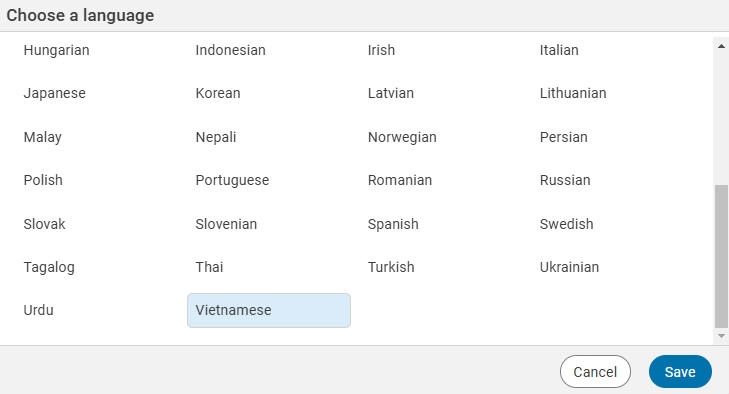

When they click the Translate button they will see a dialog with a list of available languages.
Choose the language to use.
Click the Save button.
The project will translate the text. Depending on the amount of text, this may take a moment to finish.
This is what the process looks like translating (and listening) to an English project in Vietnamese.
Click the Original button on the toolbar to see the project in the original language.
Click the three-dots button to open the language dialog and select another language.