
You can translate a text object into another language.
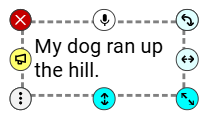
Click the text object that you want to translate.
You can translate the text back to the original language.
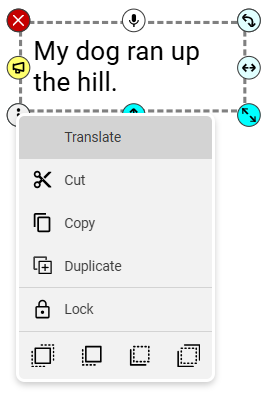
Click the menu handle.
You will see a menu of options.
Click Translate.
If you have selected a language already, the text will translate into your language.
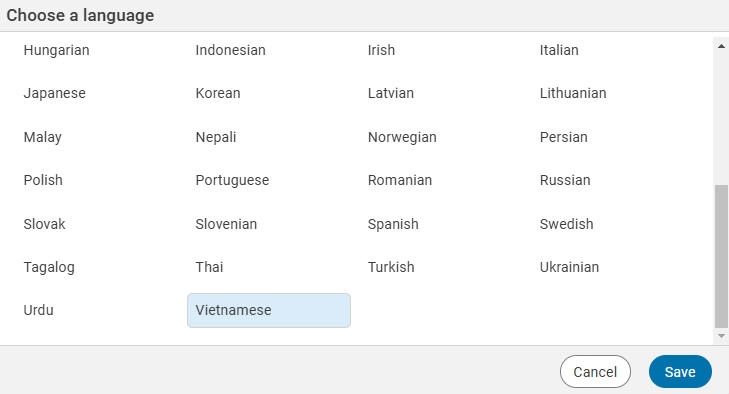
If you have not selected a language, you will see a dialog with a list of available languages.
Click the language you want to use.
Click the Save button.
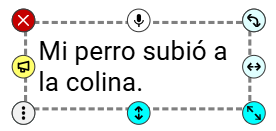
The text will be translated into the language you chose.
Click the menu handle for the text object and click Translate again.
You can edit the text and the translation will update to match the new text.