
You can print or email an invitation so that parents can opt in to receive emails from Wixie about their child's projects.
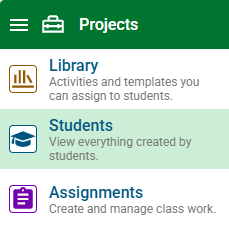
Click the main menu and choose Students.
Below the list of students, select the Printables button.

At the Class Printables dialog, select Parent Communication Invitations.
This will print an invitation sheet your can send home with each student.
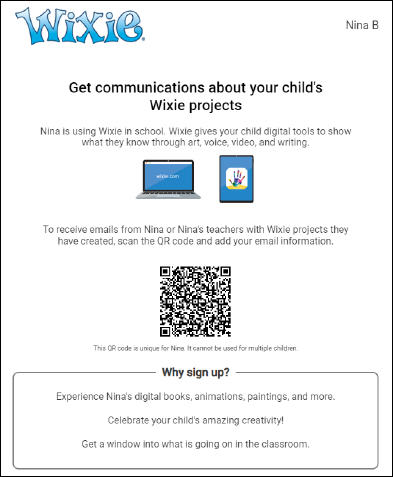
Parents scan the QR code on the invitation sheet and enter their email address. Parents can add additional emails if they choose.
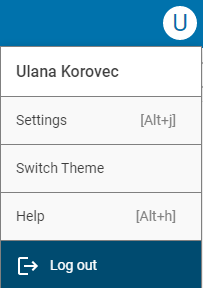
To see which parents have opted in to emails, select your Profile icon and choose Settings.
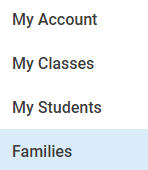
Select the Families button in the list.
You will see a list of students in the first class in your list. Select the class name to switch to different classes.
If parents have opted in, you will see a Connected image next to a parent's name.

You can send additional invitations from here as well.
Click the Print button to print an invitation for an individual student.

Select the + button to send an email invitation. Parents must still opt-in to communication.