
You can add a video from YouTube to the page.
Click the Video button on the toolbar.

You will see the video dialog.
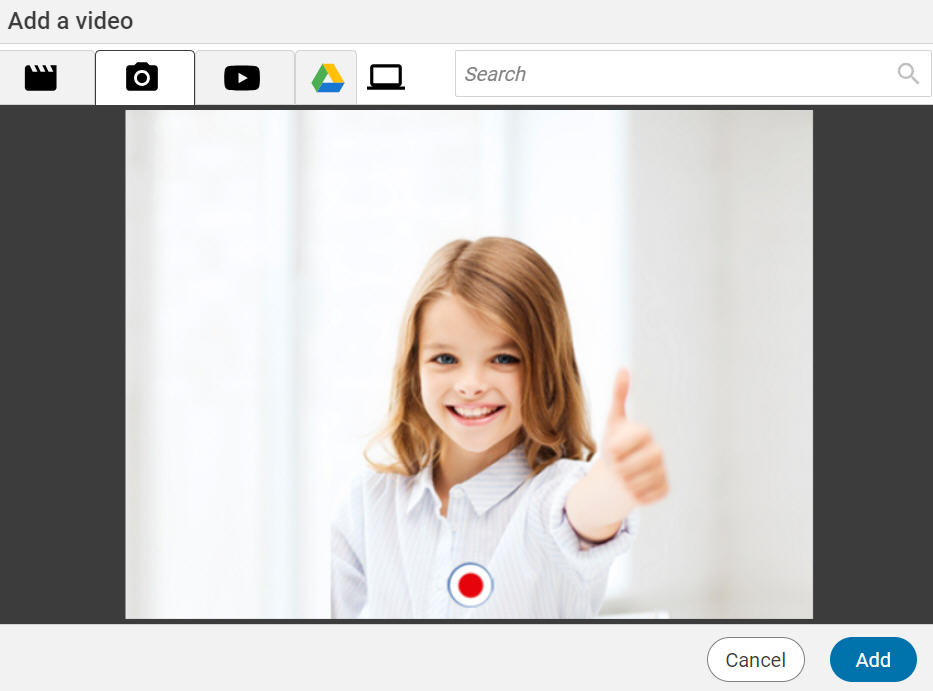


You will see the video dialog.
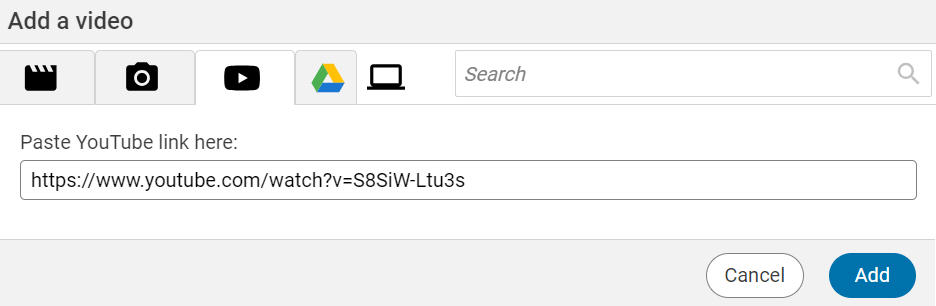
Select the YouTube button.
Then, paste the YouTube video link into the field and select the Add button.
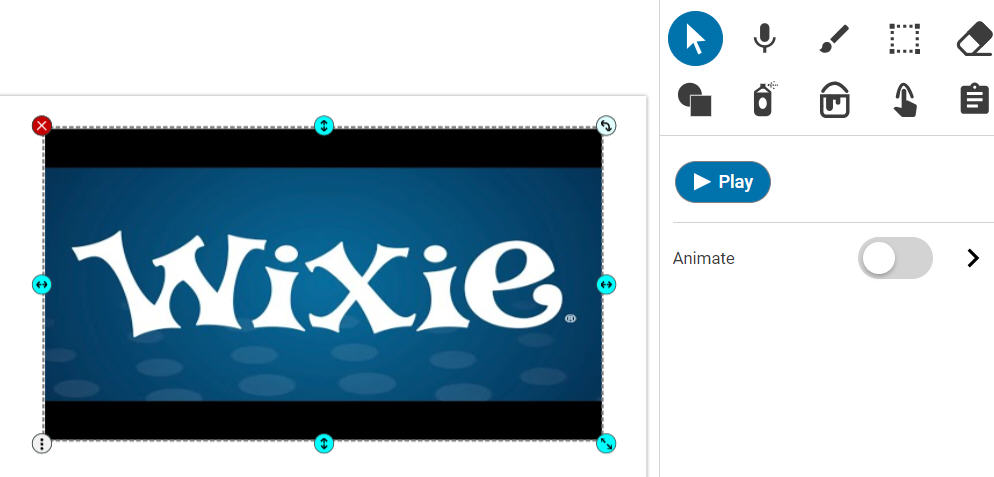
The video will show as an object on the page. You can move the cursor over the middle of the video to drag it to a new place on the page and use the handles to resize the video.
You can preview the video by using the play button on the toolbar.
*If you do not see the option to add a YouTube video, please check with your teacher or your Wixie site administrator.