
You can import PDF files into Wixie to create new projects.
This makes it easy to create quick digital assignments from PDFs that are part of your adopted curriculum.
Click the More button in the new project list.

You will see a dialog of options.

At the dialog, choose Upload.
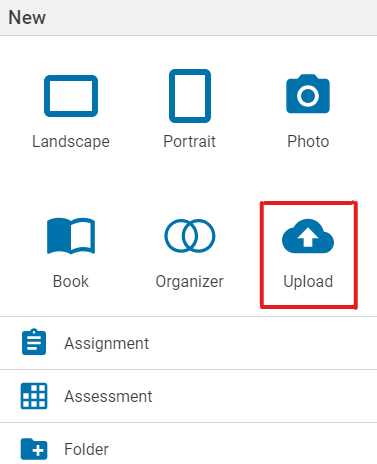
Select the PDF you would like to upload to your Wixie project and choose Open.

The PDF will open in your Wixie project as a background layer on the page.
Add instructions to the instructions panel and use the Wixie tools to add additional text or images to complete the assignment.
Go to the File menu and choose Assign to have students complete.