You can view progress on work you have assigned to students on the Assignments page.
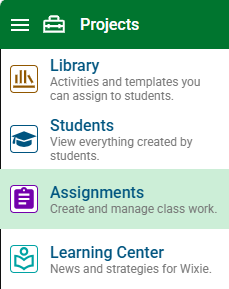
Click the main menu and choose Assignments.
You will see assignments for the first class on your roster.
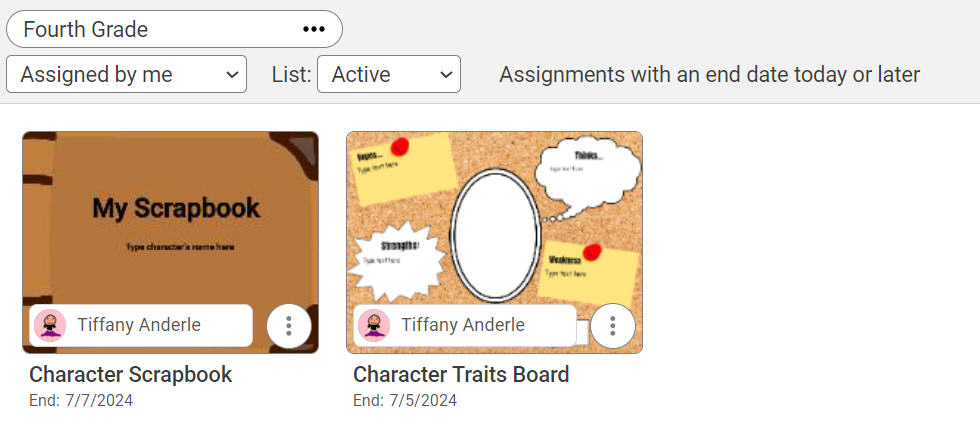
To view a different class, click the Class button and choose a new class.

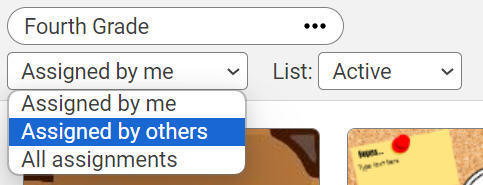
Use the pull-down menus to filter the list of assignments.
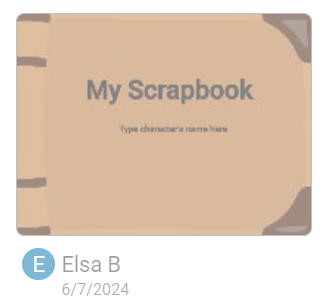
Select the Assignment and it will show a list of the student projects for the assignment.
Click a student project to see the review and assess the student work.
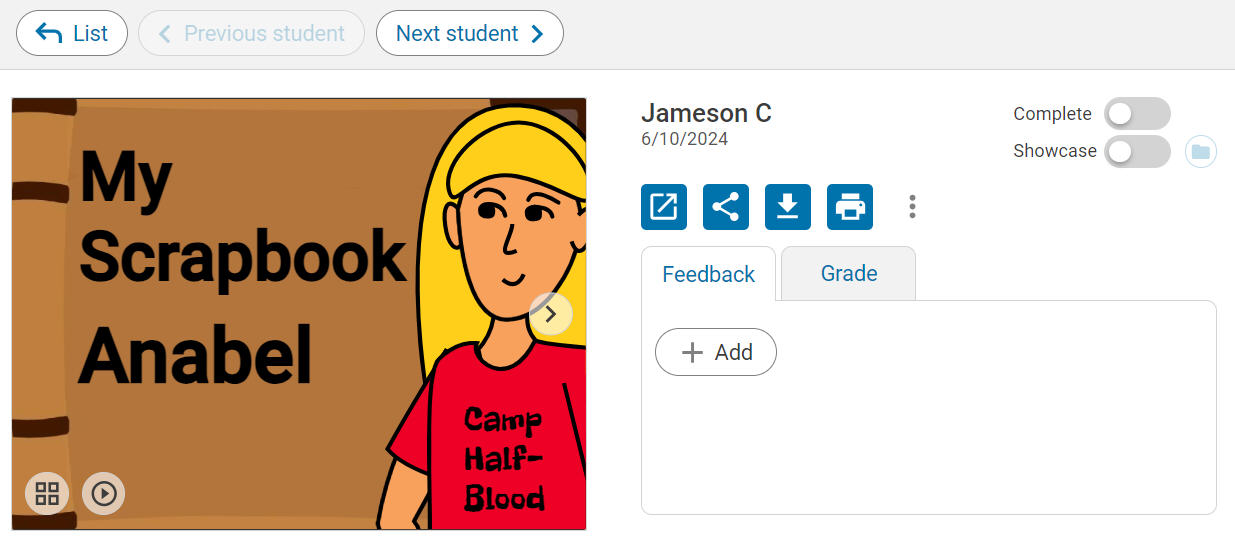
Click the Next student button to review other student work.
Click the List button to go back to the previous screen.
Use the View buttons to see projects, assigned students, the assessment, and associated standards.

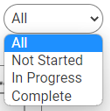
You can also modify the filter to show assignments by all, not started, in progress, or complete.
Students who have not started the project will appear greyed out.