
You can add music to use as the background to a presentation so that the sound plays over multiple slides.
Click the Presentation button.

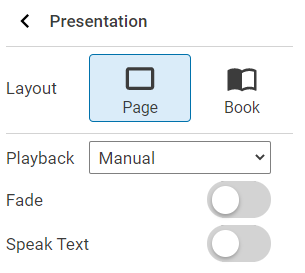
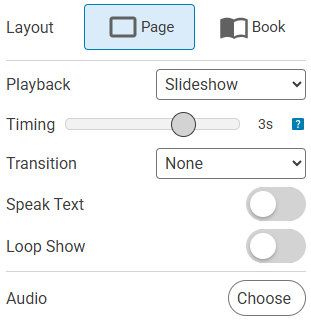
Click the Choose button for Audio.
You will see the background music dialog.
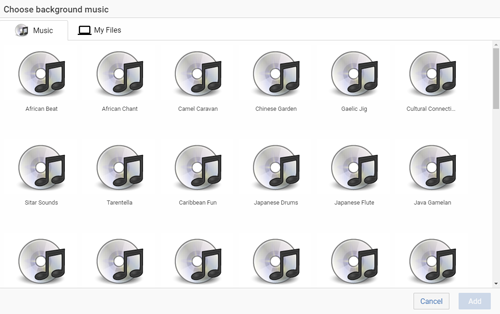
Click a sound.
Click the Add button.
Click the Play button to listen to the sound.

Drag the Volume slider to change the playback volume for the audio.
Click the Delete button to remove the sound.
You will see the Presentation panel.
Click the Playback pull-down menu and choose Slideshow.
You will see the slideshow options.
You will see the background music dialog.
Click a sound.
Click the Add button.
Click the Play button to listen to the sound.
Drag the Volume slider to change the playback volume for the audio.
Click the Delete button to remove the sound.