
You can create a team project to work with other teachers in your school or district.
Click the Team button on the toolbar.



Click the Class button in the Team dialog.
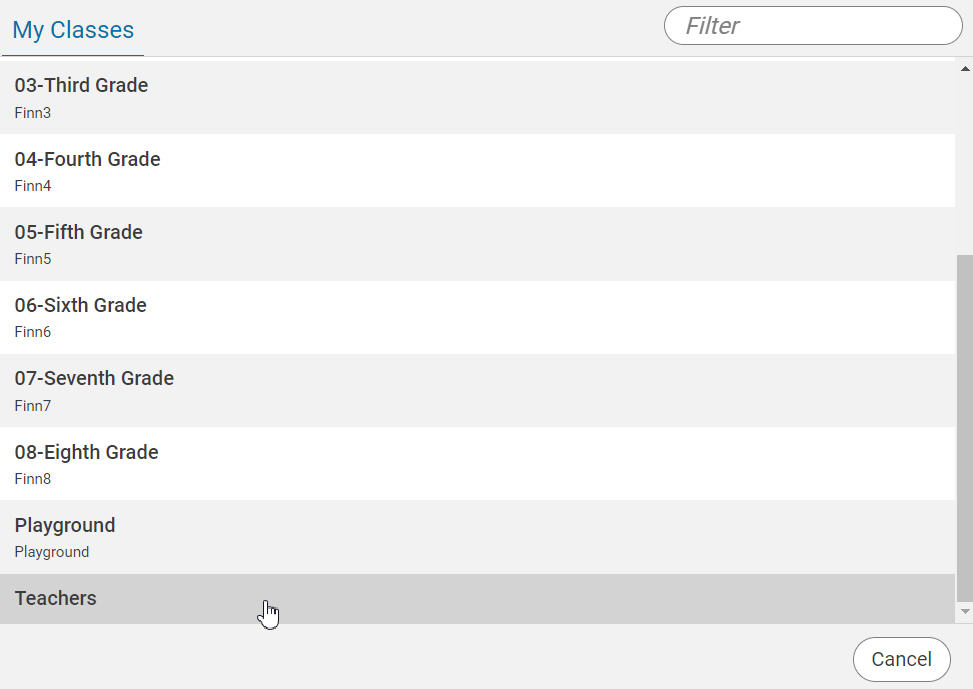
Scroll to the bottom of the list and choose Teachers.
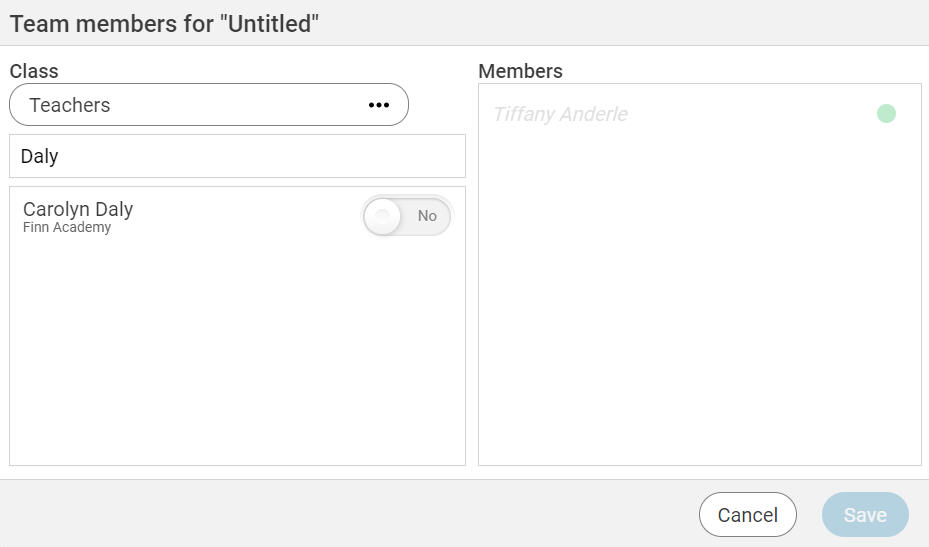
Search for the teacher by their last name. You will see a list of teachers.
Add the teacher to the project by moving the slider to Yes.
Click the Save button.
The project will appear in the teacher's Team Projects folder.