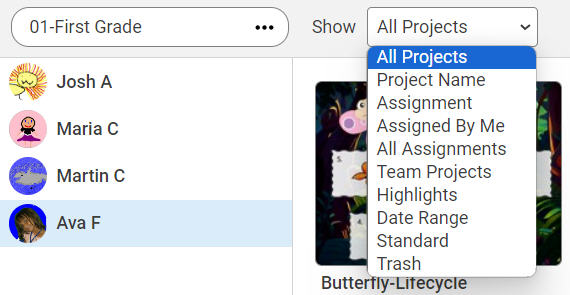
Teachers can review and assess the work of students in their classes.
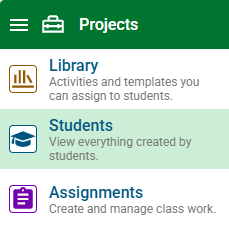
Click the main menu and choose Students.
By default, the projects of the first student in the class list will appear.
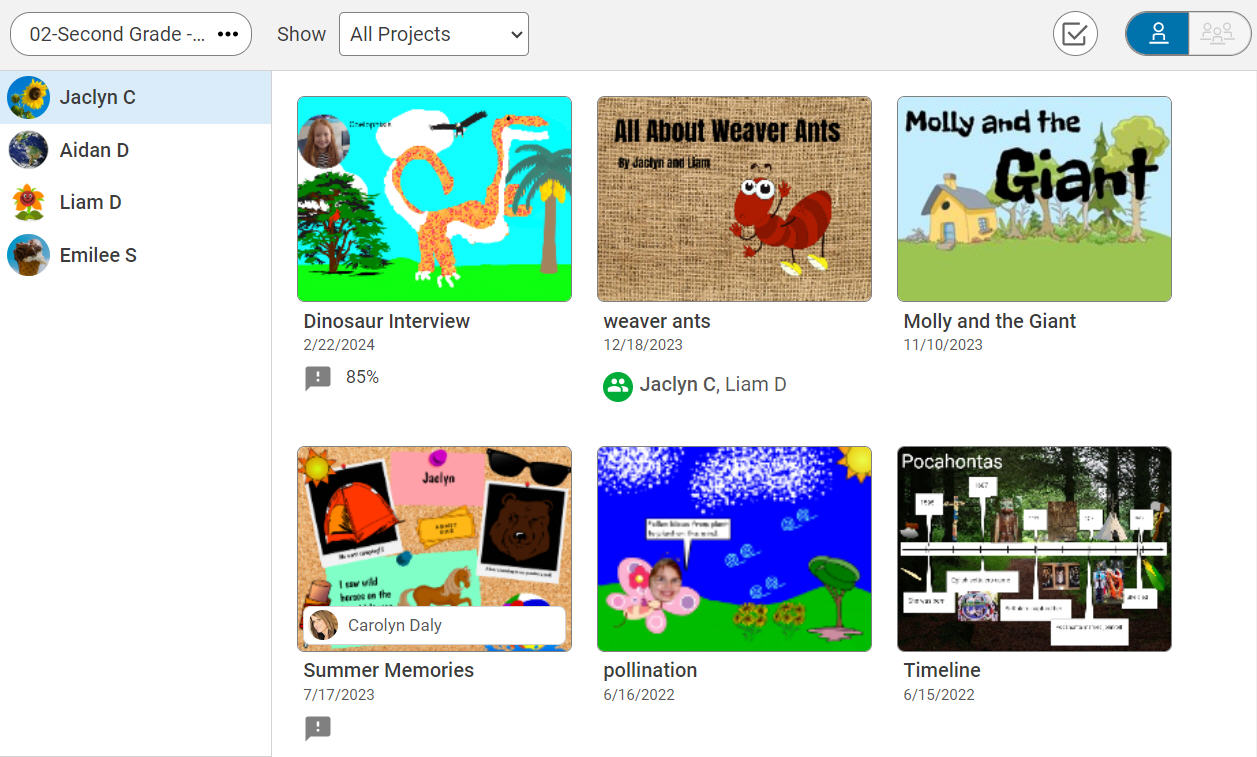
Use the Class button to change to a different class.

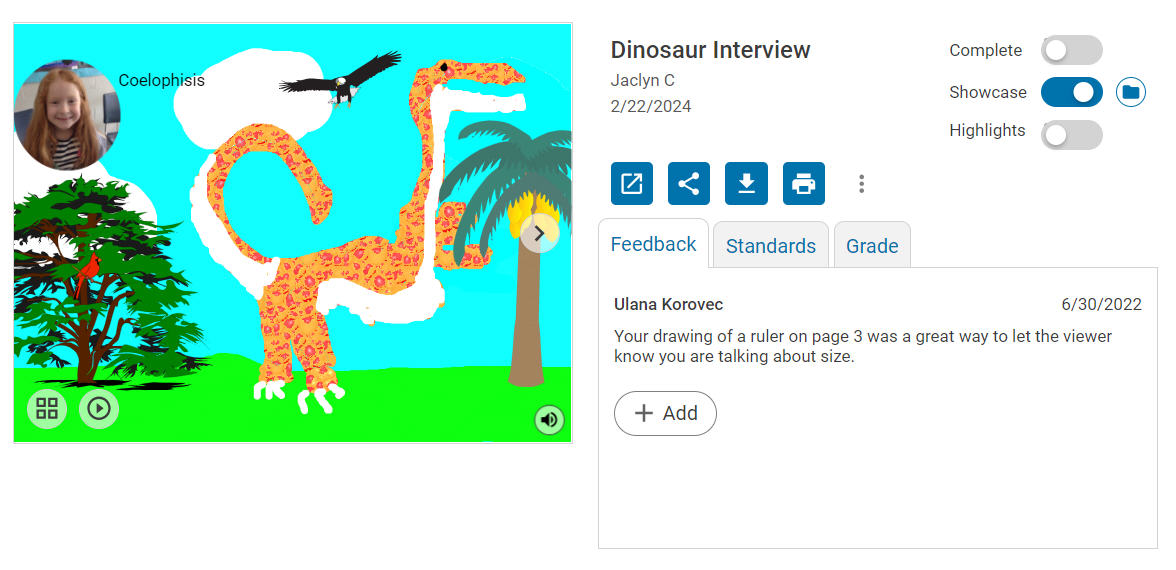
Select the project you want to view.
Navigate to each page at the arrow, listen to any voice narration, add feedback, or mark the project complete.
To find projects quickly, use the Show filter to search by all projects, an assignment, date range, project name, or standard.