
You can embed a Wixie project in another project such as a portfolio or presentation.
When your project is open, select the Widgets button.

You will see the Widgets dialog.
Choose Wixie Project.

Select a project that you’d like to add from your My Projects folder.
You can also use the back arrow to navigate to additional folders or browse student projects in your classes.

Once a project has been selected, choose Select.
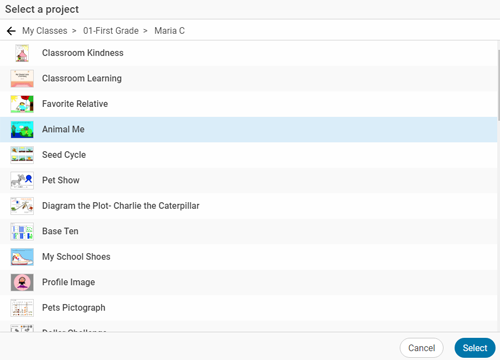
The project will be added to the page.
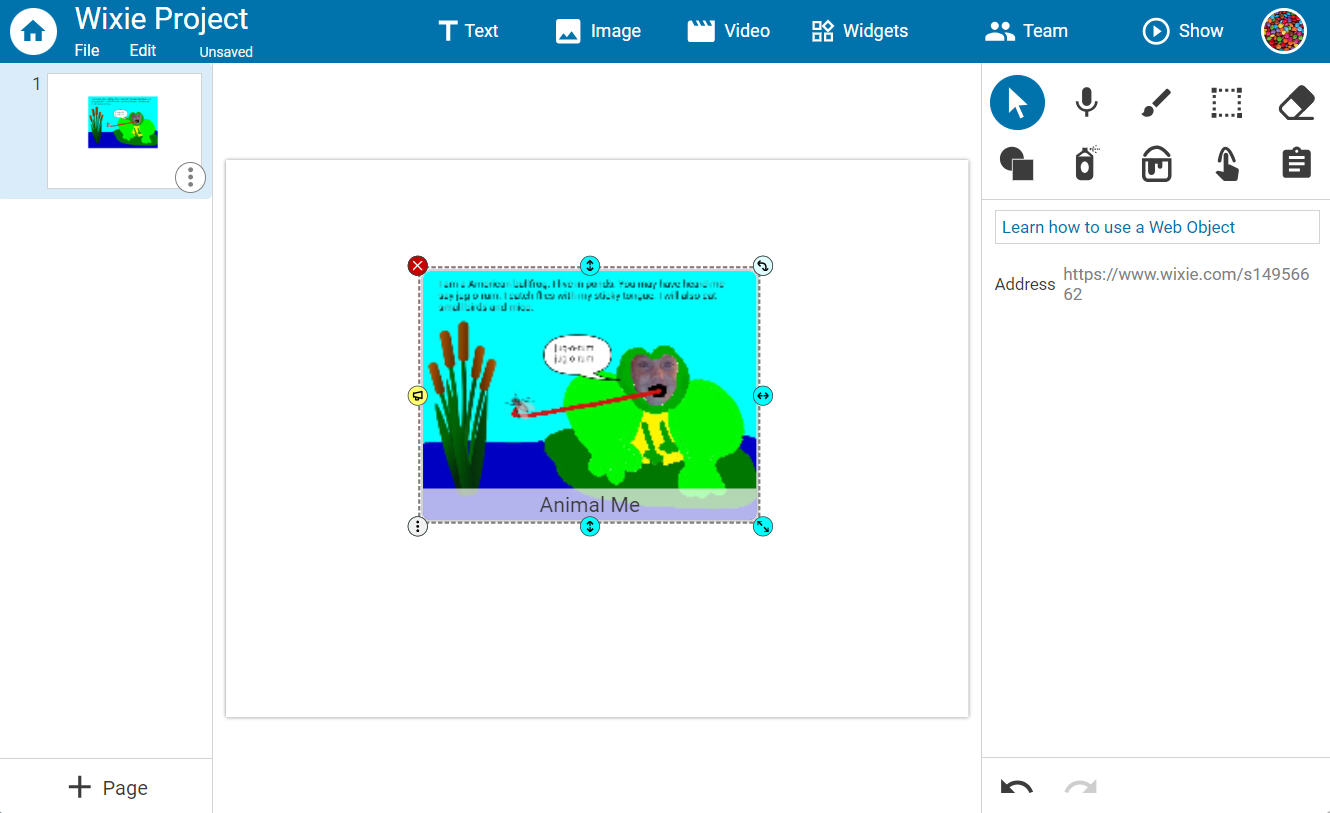
Drag to move the project and use the handles to adjust the size.