
You can create a custom class of students.
Click the main menu and choose Settings.
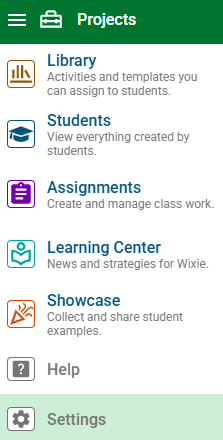
You will see your account settings.
Choose My Classes.
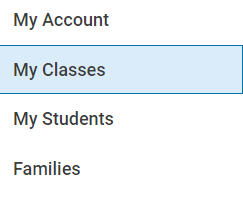
In the Custom Classes section, choose the Add button.

You will see the Create a New Class dialog.
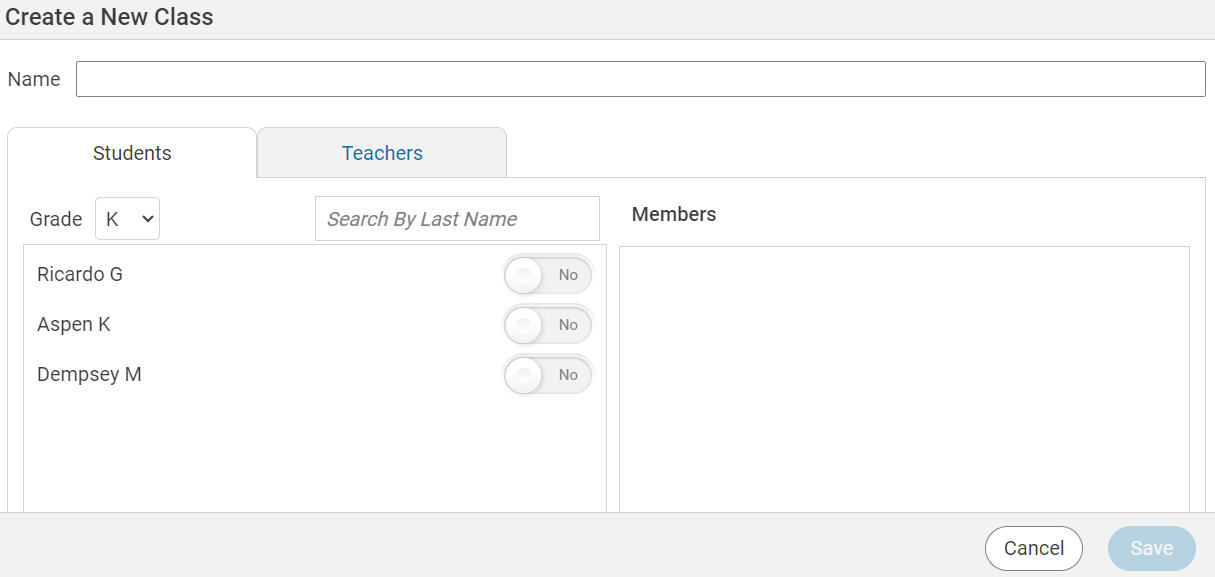
Select the Teachers tab.
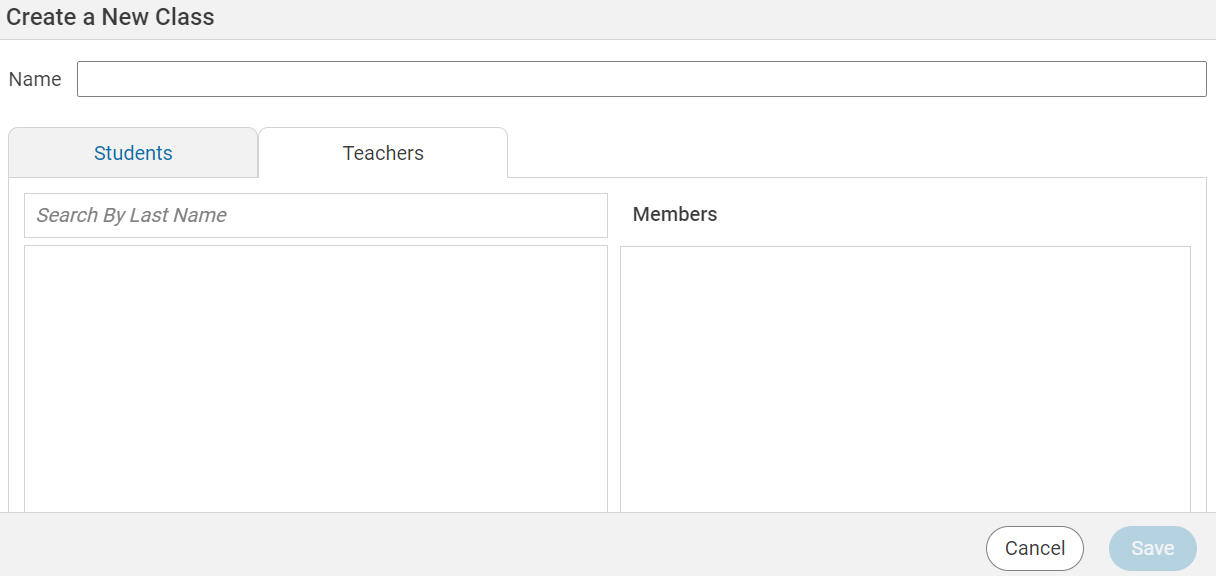
Type a last name into the search field.
You will see a list of teachers.
Turn the switch to Yes to add the teacher to your class.
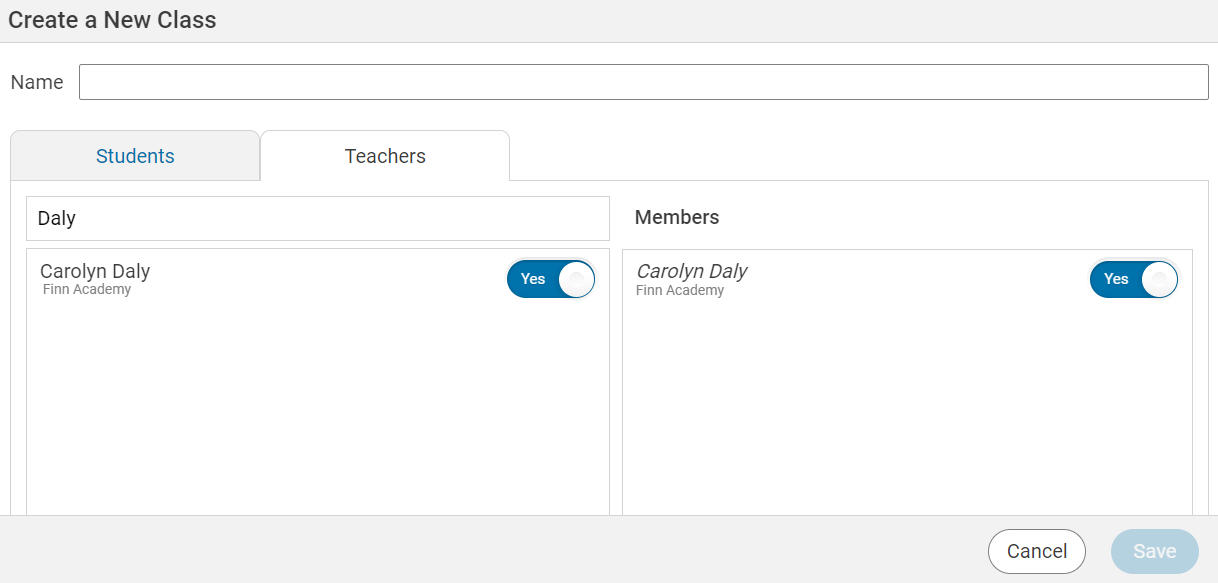
Add the teachers you want to your class.
Select the Students tab.
Type a last name into the search field.
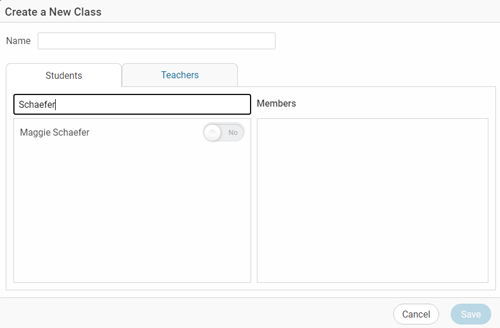
You will see a list of students.
Turn the switch to Yes to include the student in your class.
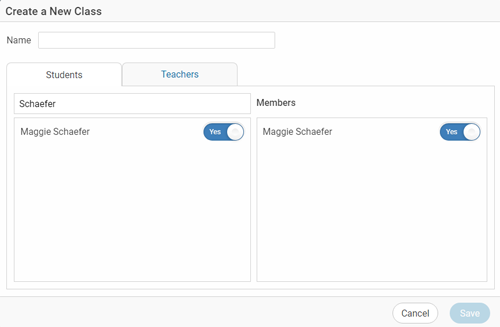
Press the Save button when you are finished.
If you need to delete a custom class once you are finished with it, go back to the Settings page and click My Classes again.
You will see a list of your custom classes.

Click the Delete button for the class you are no longer using.