
You can dictate text into a text object using your microphone.
Click the Text tool on the toolbar.

You will see a text object in the middle of the page.
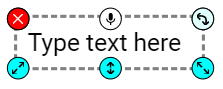
Click the microphone button on the text object.
You will see a text object in the middle of the page.
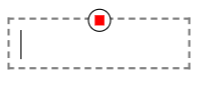
Click the microphone button on the text object.
Speak into your microphone.
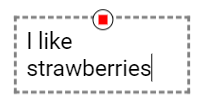
The text will be added to the object.
The text will be added to the object.
Click the stop button when you are finished.