
You can add a link to a another page in the project to images and text objects.
Click an object to select it.
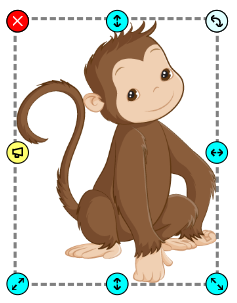
Click the button for More Options.

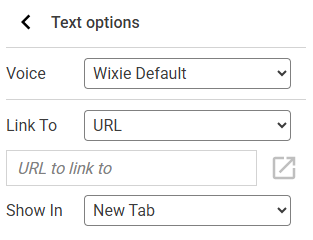
Click the button for More Options.
You will see more text options.
Use the Link To pull-down menu and choose the page you want to link to.
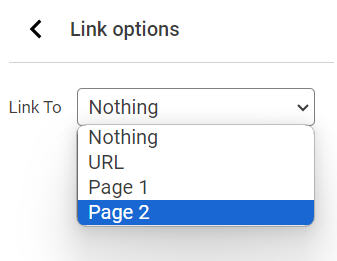
When someone is looking at your project, clicking the link will change pages.
When someone is looking at your project, clicking the link will change pages.
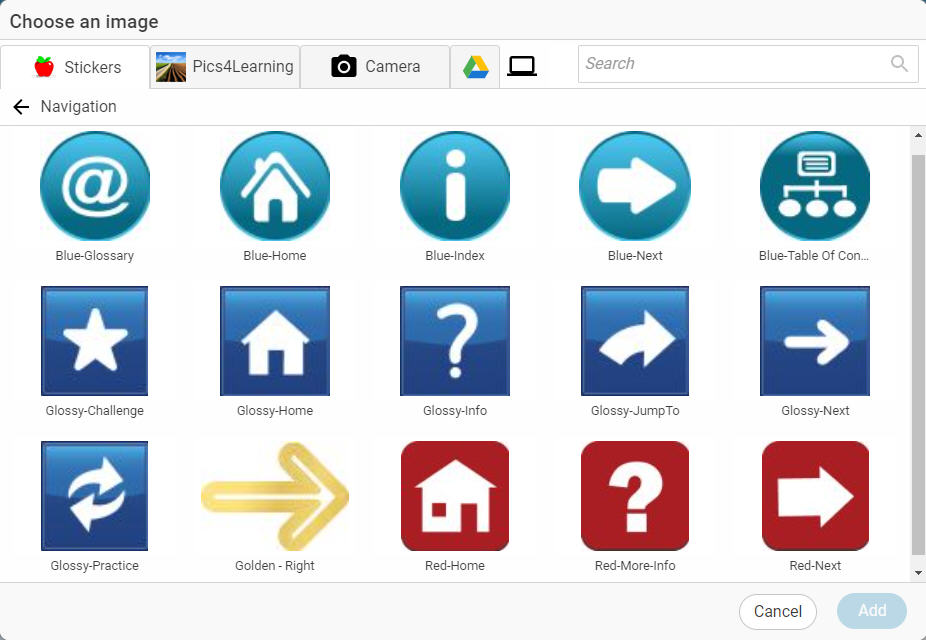
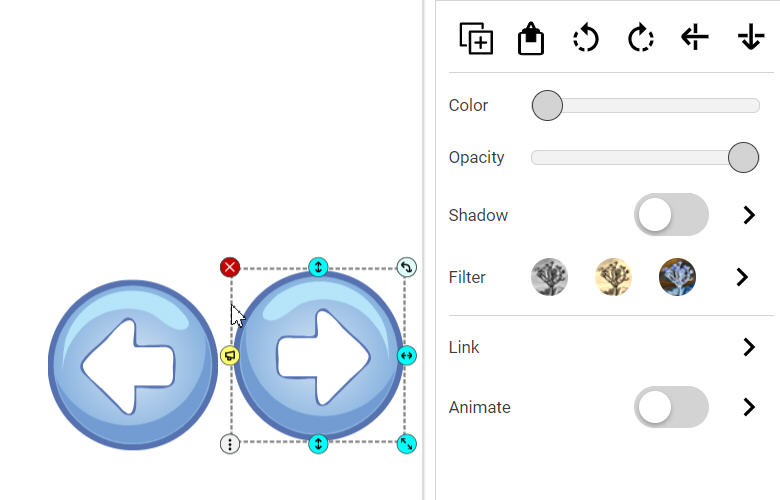
The Wixie Stickers library (Image button) includes a Navigation folder with buttons and symbols for easy and consistent navigation.
Users can adjust the direction of the image and the look of the image with options like Turn buttons and the Color slider.
Classroom connection:
Use this feature to have students create index pages for non-fiction books or choose-your-own-adventure style stories.