
You can export a Wixie project as an animated GIF.
Click the File menu and choose Download.
You will see a dialog of options.
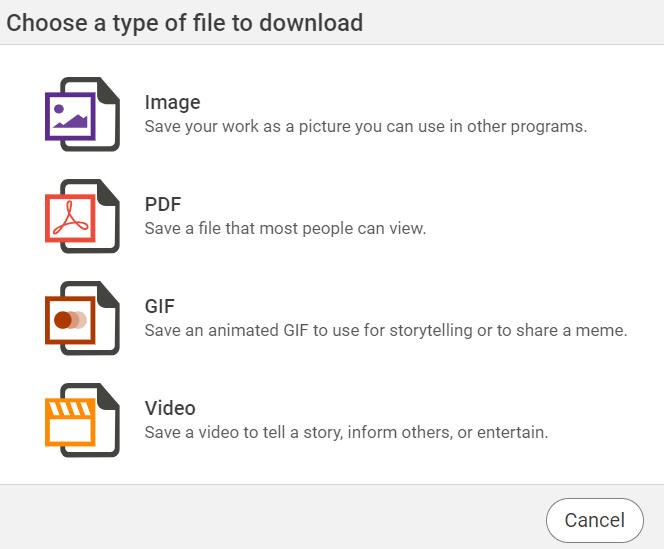
Click GIF.
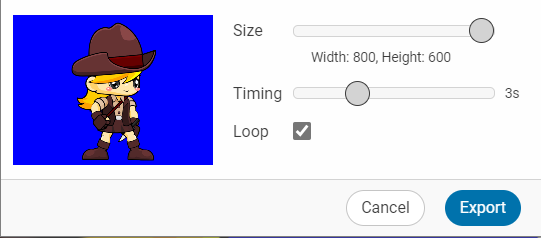
Use the Size slider to change the dimensions of the exported gif.
You will see a dialog of options.
Click GIF.
You will see the GIF options.
Use the Size slider to change the dimensions of the exported gif.
Use the Timing slider to set the speed pages will change.
Use the Loop check box to select if the gif will loop when it plays.
Click the Export button.