
You can make the dialog for recording a video smaller in order to see the page while you are recording.
Click the Video button on the toolbar.

You will see the video dialog.
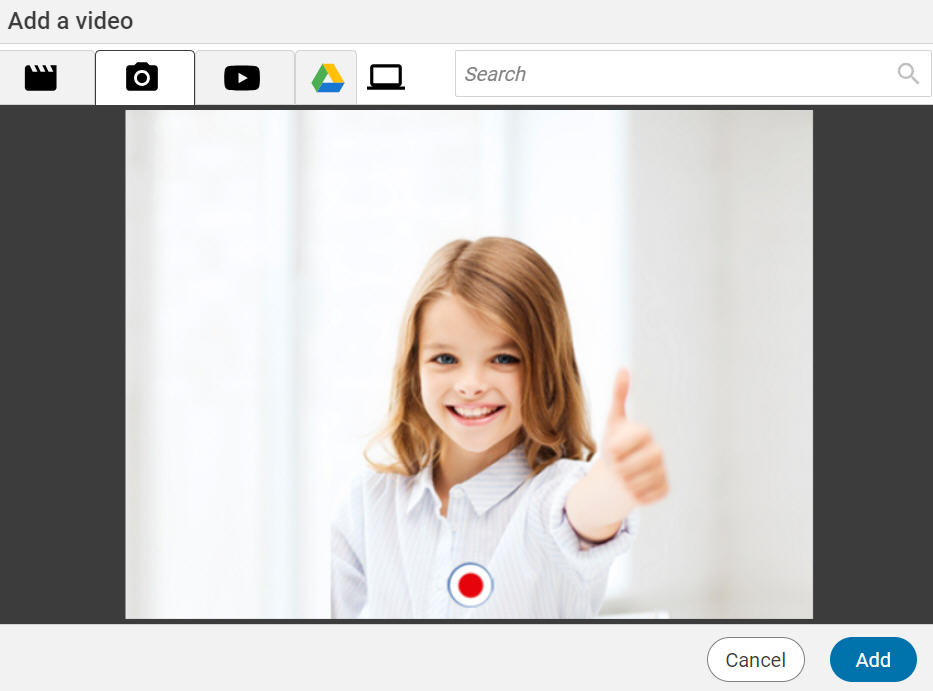

Click the Record button to start recording.
Click the Stop button when you are finished.
Click the Play button to preview the video.

Click the Record button if you want to re-record the video.
Click the Add button when you are ready to add the video to the page.
You will see the video dialog.
Click the Minimize button.
Click the Record button to start recording.
Click the Stop button when you are finished.
Click the Play button to preview the video.
Click the Record button if you want to re-record the video.
Click the Add button when you are ready to add the video to the page.