
You can zoom in to the page when you are painting.
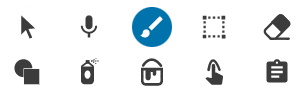
Click a paint tool, such as the paint brush or the fill tool.
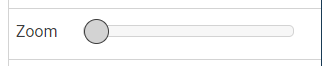
You will see the Zoom slider at the bottom of the editing panel.
Drag the slider to the right to zoom the page.
You will see scroll bars appear at the bottom and the right side of the page.
Use the scroll bars to move around the page.
When you are finished painting, click the Arrow tool on the tool palette. The zoom will reset to show the whole page.