
You can set a project to hide all of the tools when it is opened.
Click the File menu and choose Project Settings.
You will see the Project Settings dialog.
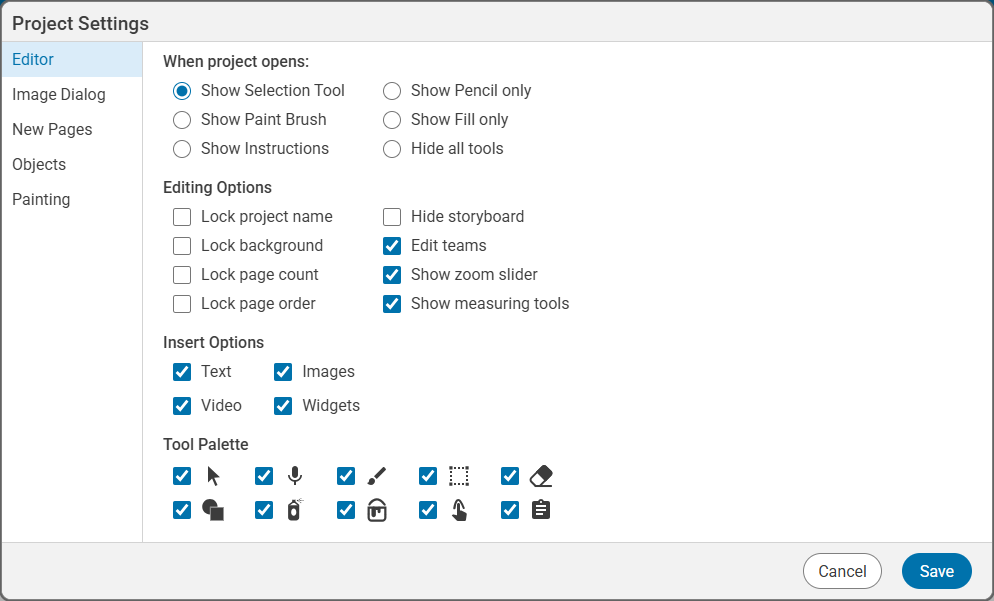
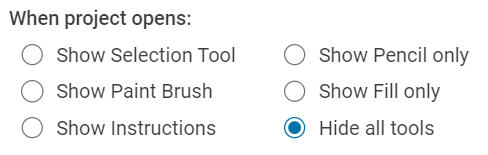
Click the Hide all tools radio button.
Click the Save button.
Note: If you hide all tools and have not turned on Open to Instructions, students will not be see the Done or Start Over buttons.