
You can change the text that appears in an empty text object.
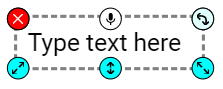
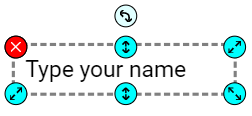
Select a text object.
Go to the File menu, click Edit, and choose Edit Default Text.
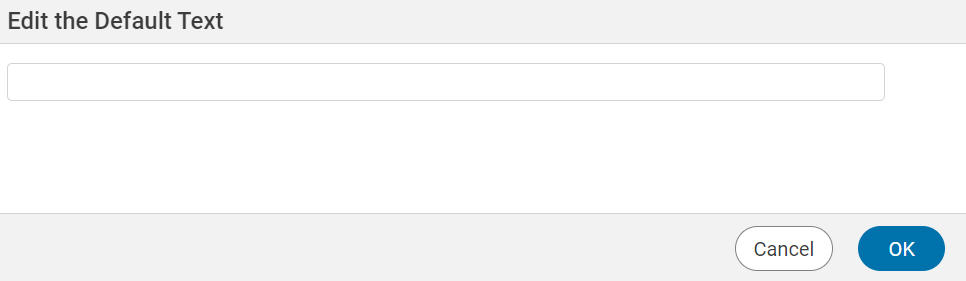
You will see the default text dialog.
Enter the text you want to display.
Click the OK button.