You can add folders to your Showcase to organize projects.
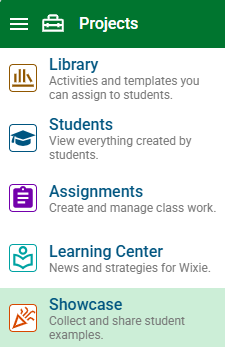
Click the main menu and choose Showcase.
Click the New folder button.

You will see the New Folder dialog.
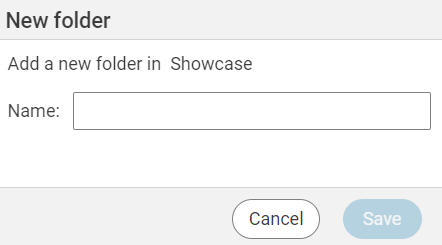
Type a name for the folder.
Click the Save button.

You can add folders to your Showcase to organize projects.