
Your Showcase is a way to share student projects. You can add projects to your showcase from the Students page.
Click the main menu and choose Students.
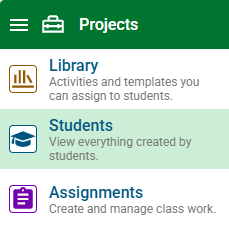
Select a student.
Click the project.
You will see the project details page.
Click the Showcase switch to turn it on.

Click the folder button next to the Showcase switch to add the project to a specific folder you have created.
You will see the Showcase dialog.
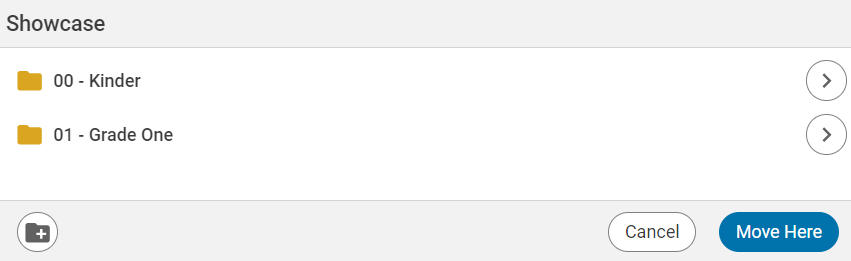
Select a folder.
Click the Move Here button.