
You can log in to Wixie using your user card.
User cards allow you to log in to your account by holding up a QR code to the webcam at the Wixie login page.
Click the Sign in button.
You will see the Wixie log in page.
Click the Sign in with a User Card button.
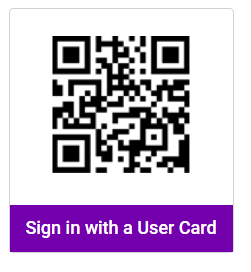
Hold your user card with the QR code in front of the camera.
You will be logged in to Wixie.