
Teachers can add information, including appropriate grades, subjects, and keywords to a project. This is useful if you are going to submit the project as a template for other teachers in your district to use.
Click the File menu choose Project Information.
You will see the Project Information dialog.
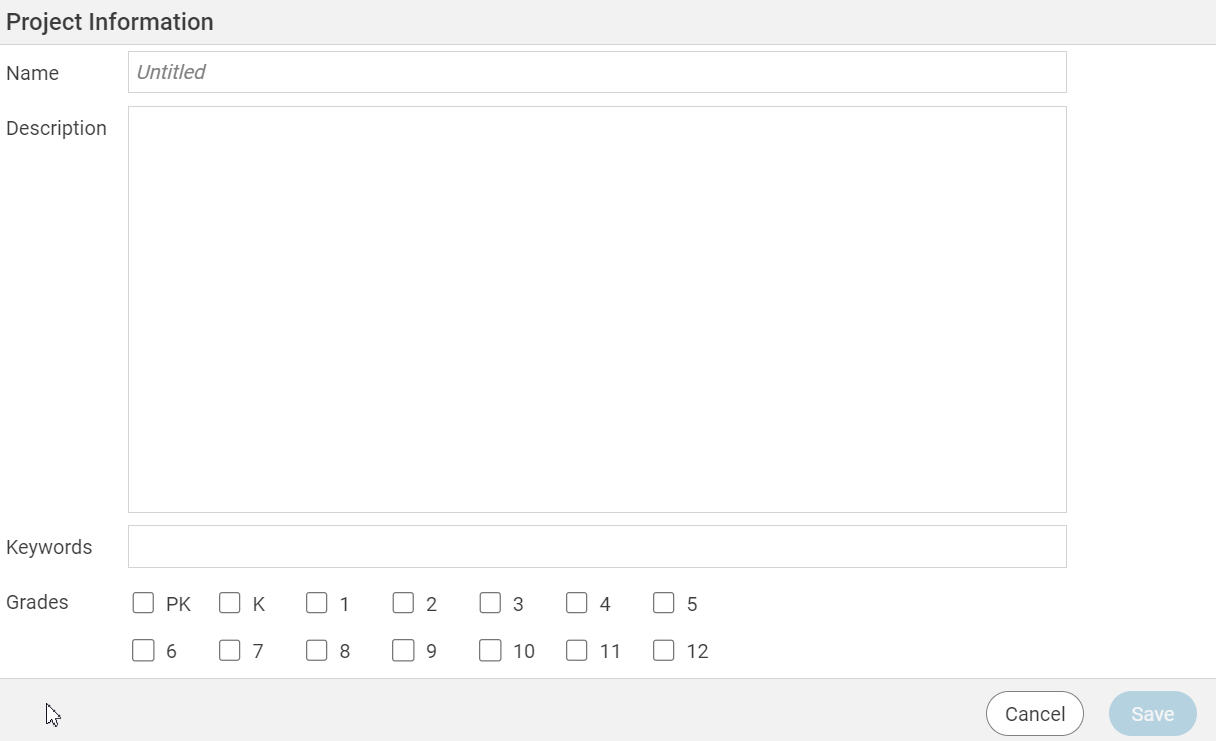
Click and type in the Name field to change the name of the project.
Type a description of the project in the Description field.
Enter keywords for the activity in the Keywords field.
Click the Grades check boxes for the grades the project is appropriate for.
Click the Save button.
You will see the Project Information dialog.
Type a description of the project in the Description field.
Enter keywords for the activity in the Keywords field.
Click the Grades check boxes for the grades the project is appropriate for.
Click the Save button.