
You can use the Spray tool to paint with pictures.
Click the Spray tool on the tool palette.

You will see the Spray options panel.
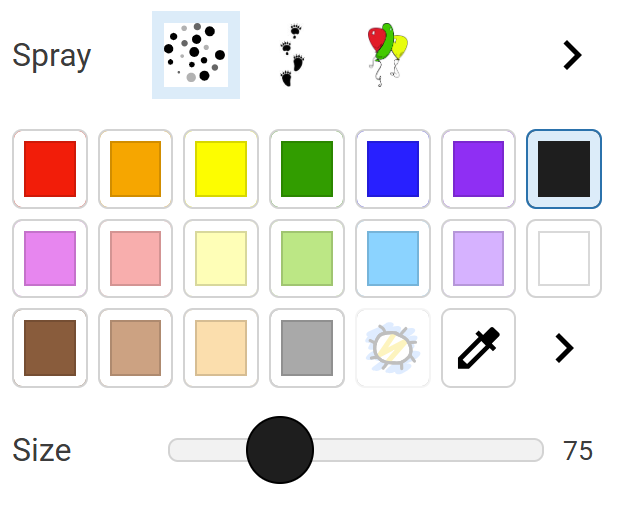
Click the More button.

Click a category of spray images.

Click an image.
Click the Back button.

Use the Size slider to change the size of the image.
Click and drag on the picture to paint.
You will see the Spray options panel.
Click the More button.
Click a category of spray images.
Click an image.
Click the Back button.
Use the Size slider to change the size of the image.
Click and drag on the picture to paint.